

Hosted search platforms reduce operational work, but they may not meet every organization’s requirements for data location, privacy, customization, or cost control. A self-hosted search engine runs on infrastructure you manage, giving you control over indexed data and search behavior.
That control comes with operational responsibility. You must install and update the software, protect its APIs, manage indexes, monitor resources, and recover the service after failures. The first decision is not which product to install, but whether you need public web metasearch, website search, application search, or private document search. These use cases require different tools and architectures.
What Is a Self-Hosted Search Engine?
A self-hosted search engine is search software installed on a server, virtual machine, container platform, or cluster that you administer. Unlike a fully managed search service, it leaves infrastructure management and most security decisions to you.
The term covers two distinct categories:
- Metasearch engines send queries to external search providers and combine the returned results. They do not usually maintain an independent index of the public web.
- Index-based search engines search websites, documents, products, logs, or application records that you submit to an index.
Understanding this distinction prevents a common deployment mistake. Installing Meilisearch, Typesense, OpenSearch, or Elasticsearch does not automatically create a public web search engine. You must supply the content, build an ingestion process, and keep the index synchronized with its source.
Common use cases include:
Website Search
A search engine can index pages, articles, and documentation from a content-heavy website. Depending on the implementation, content may be submitted directly from a content management system or collected through a separate crawler.
Document and Knowledge Search
Organizations can index internal documents, support articles, and knowledge-base records. Search can complement a self-hosted document management system by helping authorized users locate stored information, but the search layer must enforce the same access rules as the source system.
Application and Catalog Search
Application-oriented engines expose APIs for indexing and querying products, articles, customer-visible records, or other structured data. Filters, sorting, typo tolerance, and facets can make these tools suitable for catalogs and e-commerce interfaces.
Web Metasearch
A metasearch engine provides one interface for querying multiple external search services. Availability and result quality still depend on those upstream services, which may impose rate limits, block automated requests, or change their interfaces.
Benefits and Trade-Offs of Self-Hosting Search
Self-hosting can solve specific control and customization problems, but it is not automatically more private, less expensive, or faster than a managed service.
Control Over Indexed Data
You decide where the index is stored, which fields it contains, and how long data is retained. This can help with internal datasets or applications that have defined data-location requirements. It does not remove the need for encryption, authentication, retention policies, and backups.
For metasearch, privacy is more limited. The SearXNG instance still communicates with upstream search services, and the instance operator can potentially observe user requests. Users must trust the operator and the server’s configuration.
Search Customization
Index-based engines generally let you configure searchable fields, filters, ranking rules, language processing, synonyms, and sorting. The exact capabilities and defaults differ significantly by engine.
Infrastructure Independence
Operating your own deployment reduces dependence on a managed search vendor. However, you remain dependent on the selected software’s release cycle, licensing, plugins, and data formats. Moving between search engines may require rebuilding mappings, ingestion pipelines, and application integrations.
Predictable Resource Control
You can allocate CPU, memory, and storage according to your workload. Search performance still depends on index design, query complexity, cache behavior, replicas, and storage latency. Poorly designed queries or mappings can exhaust resources even on a large server.
Comparison of Self-Hosted Search Engines
These tools solve different search problems. Compare the operating model before choosing a product; project documentation and licensing were checked on 5 October 2026. The interface examples below contain public demo or documentation data, not measurements from a VPS.us deployment. Select an image to inspect its full-size version.
| Tool | Primary use | Deployment profile | Important consideration |
|---|---|---|---|
| SearXNG | Public web metasearch | Usually a single instance or small container deployment | Depends on external search services and their rate limits |
| Meilisearch | Website and application search | Community self-hosting; Enterprise features have separate terms | Filtering requires attributes to be configured appropriately |
| Typesense | Fast application and catalog search | Single-node or clustered deployments | Searchable index needs RAM; schema and field choices affect capacity |
| OpenSearch | Search, log analytics, and larger data workloads | Commonly deployed as a resource-intensive cluster | Requires careful memory, shard, and security configuration |
| Elasticsearch | Search, observability, and analytics | Single-node development or multi-node production deployments | Licensing varies by source component and distribution |
SearXNG
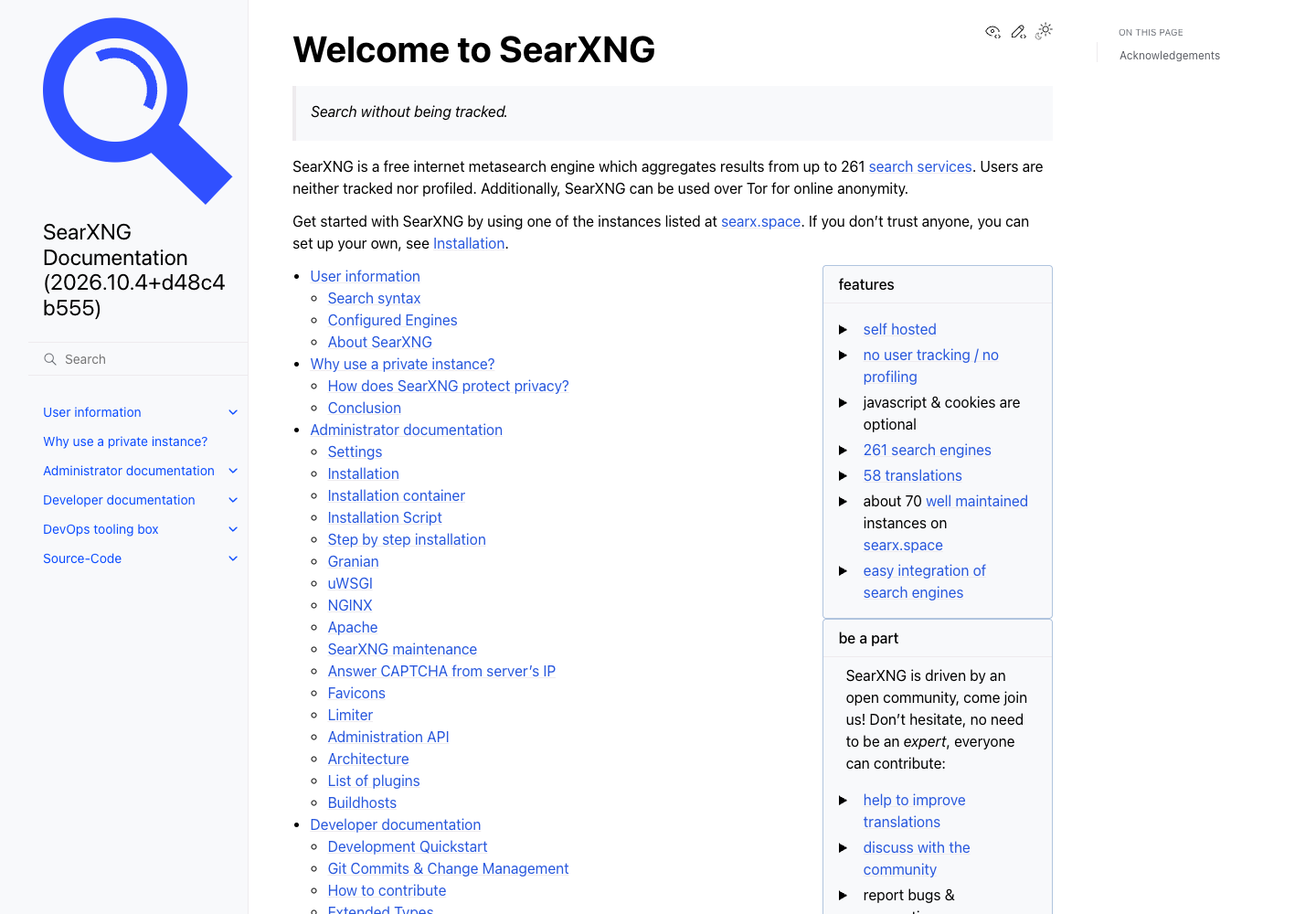
SearXNG is an AGPL-3.0 metasearch engine. It queries configured external services and combines their results rather than maintaining a complete independent web index. The image above shows its official English documentation homepage.
It is appropriate when you want a customizable metasearch interface. It is not a substitute for Meilisearch or OpenSearch when an application needs to index and search its own records. Public instances can also encounter upstream blocking or throttling, so operators should monitor engine reliability and request volume. Read its private-instance guidance to understand the trust you place in the instance operator and the limits of upstream availability.
OpenSearch
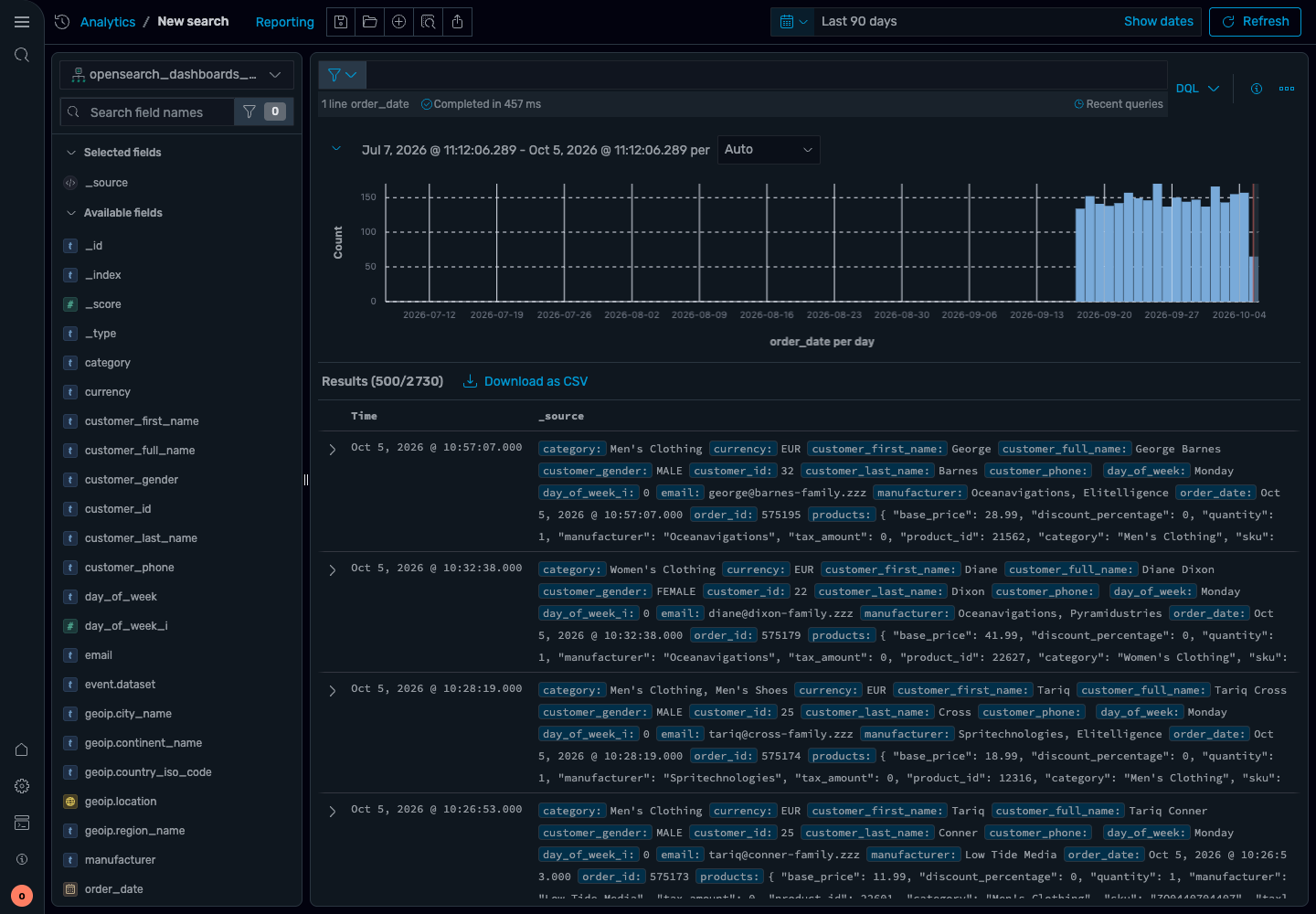
OpenSearch is an Apache 2.0 search and analytics suite. The engine handles full-text queries, indexes, mappings and aggregations; OpenSearch Dashboards supplies the browser interface. The screenshot shows an official example environment with sample data.
OpenSearch is suited to larger application-search, logging, and analytics deployments. Its Java-based services and distributed architecture generally require more memory and operational planning than lightweight application-search engines. Shard counts, replicas, heap allocation, storage performance, and cluster roles all affect reliability.
Elasticsearch
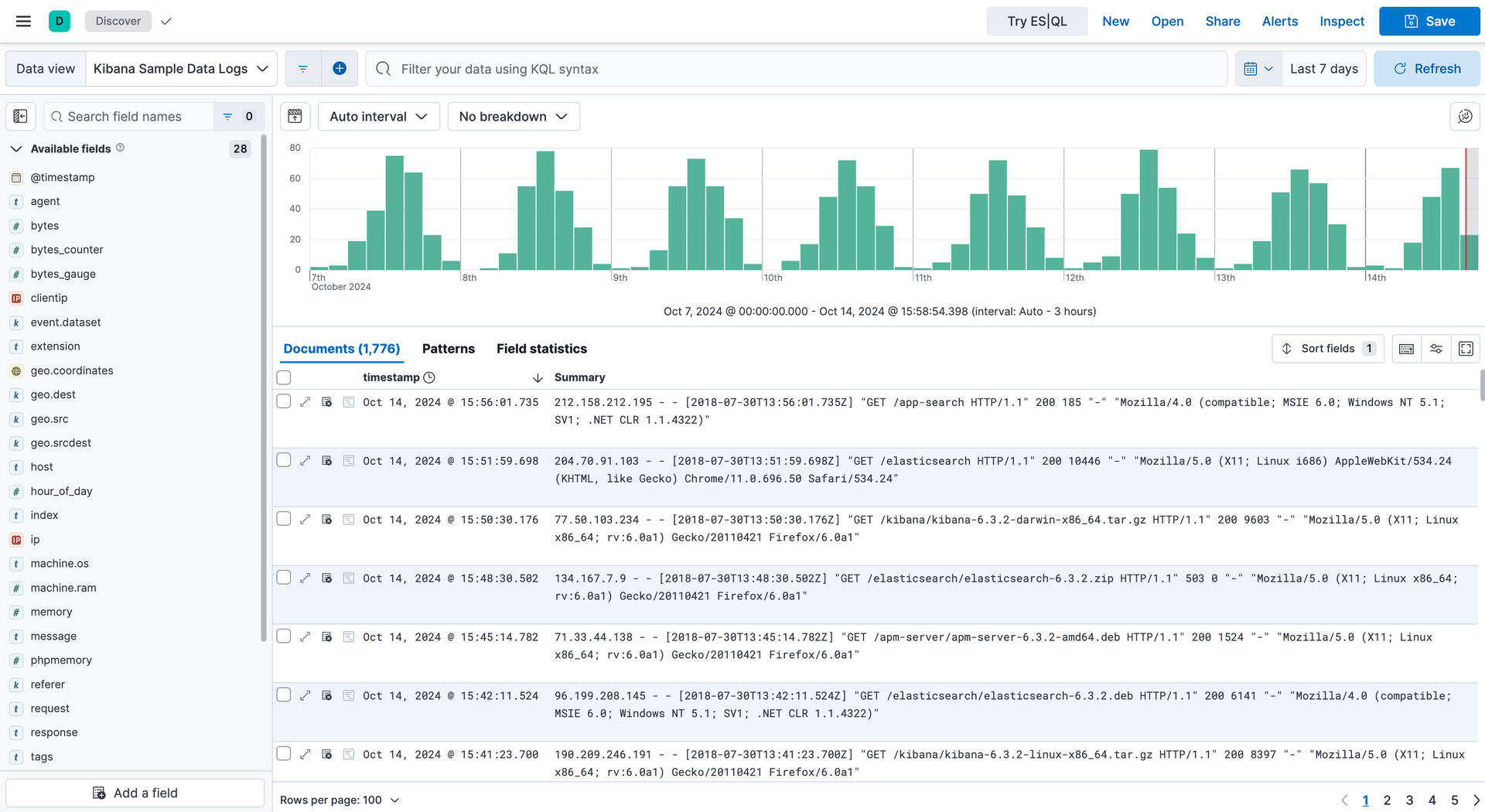
Elasticsearch is a distributed search and analytics engine with full-text queries, filters, aggregations, mappings, and APIs. It is widely used for application search and observability, but it should not be described simply as an Apache-licensed project.
According to Elastic’s licensing FAQ, qualifying free source portions offer AGPLv3, SSPL or Elastic License 2.0 options, while the default distribution remains under Elastic License 2.0. Review the exact component and distribution you intend to use. The official screenshot shows Kibana Discover with sample logs; Kibana is the companion interface, not the Elasticsearch server itself.
Elasticsearch and OpenSearch share historical roots, but they have diverged. Do not assume that every client, plugin, API, or index snapshot works across current versions of both products.
Meilisearch
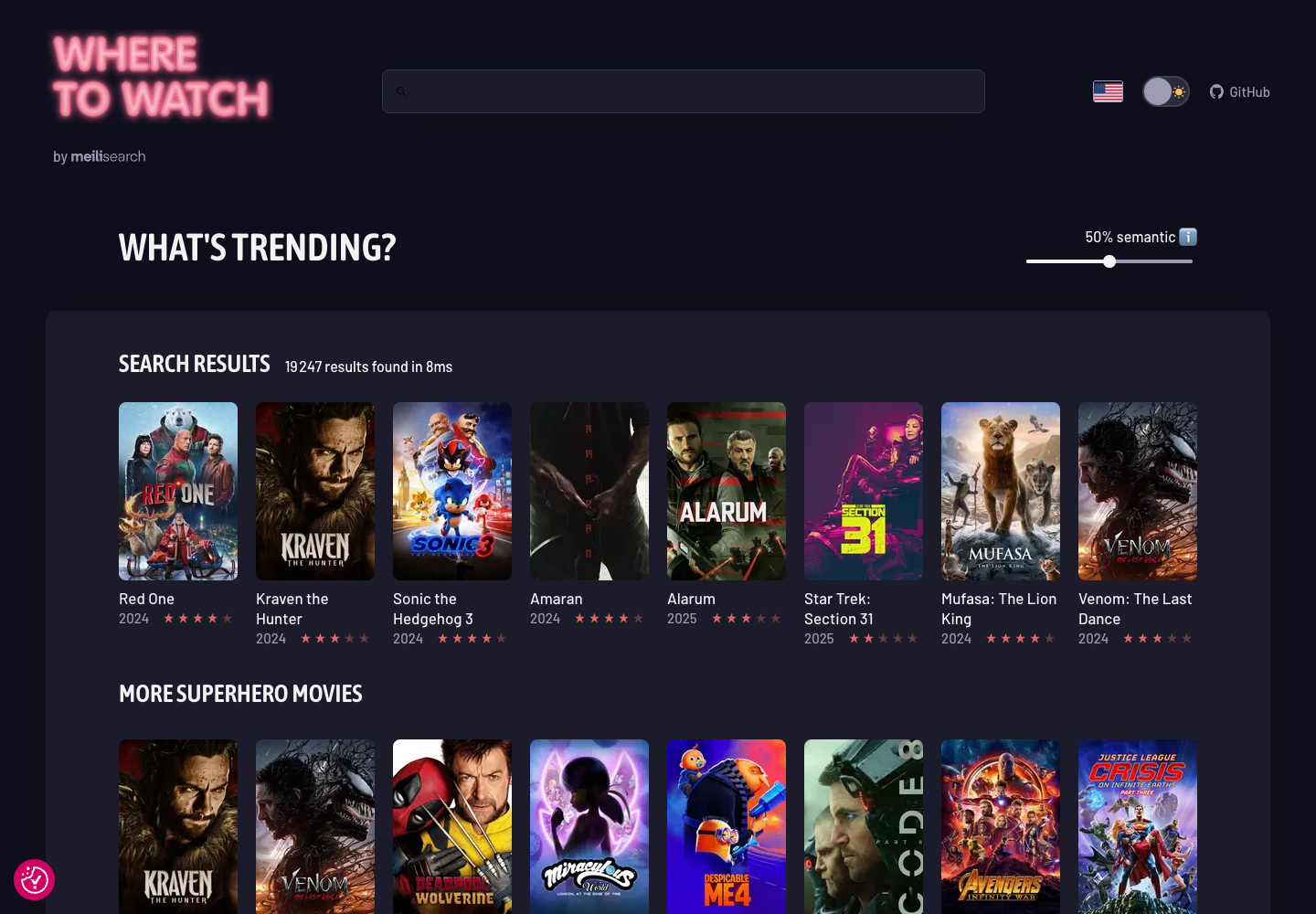
Meilisearch Community Edition is MIT-licensed and supports application search with typo tolerance, filters, ranking rules and an HTTP API. Enterprise Edition has a separate BUSL license and adds sharding; production self-hosting of that edition requires discussing its terms with Meilisearch.
Its simpler operational model can suit small and medium application-search deployments. Developers still need to define searchable, filterable, and sortable attributes correctly. Large imports, frequent updates, and growing indexes should be tested with production-like data before choosing server resources. The image is the official Where to Watch demo, a custom movie-search application. It illustrates a possible user interface, not a bundled admin screen or a performance guarantee.
Typesense

Typesense is a GPLv3 search engine for applications and catalogs, with typo tolerance, filters, facets, sorting and an HTTP API. Its official book-search demo illustrates a custom interface built on the engine. Displayed counts and timings belong to that demo and are not comparable benchmark results.
Typesense uses defined collection schemas, so teams should plan field types and filtering requirements before importing data. It can run as a single node or in a multi-node configuration, depending on availability and scaling requirements. Its system requirements explain that the searchable index resides in memory while raw records are retained on disk. Measure memory with your own fields and queries; a small download or modest record count does not prove the deployment will fit.
Web Metasearch vs. Site and Application Search
Choose SearXNG when users need a self-managed interface for querying external web search providers. Choose an index-based engine when users need to search content controlled by your website or application.
A site-search project also needs a content ingestion method. Search engines do not necessarily crawl a website by default. You may need to:
- Export content from the content management system.
- Use a crawler that respects canonical URLs and access rules.
- Transform records into the engine’s expected schema.
- Submit additions, updates, and deletions to the index.
- Rebuild or reconcile the index when synchronization fails.
Internal search adds another requirement: document-level authorization. A centralized index can expose confidential titles, snippets, or metadata if the application filters permissions only after retrieving results. Organizations creating a broader knowledge platform may combine search with a self-hosted wiki, provided both systems use consistent access controls.
Features to Evaluate Before Choosing an Engine
Feature labels alone do not show whether a tool will work for a specific dataset. Test these capabilities with representative content and queries.
Relevance and Language Support
Evaluate stemming, tokenization, stop words, synonyms, phrase searches, and support for the languages in your content. Search quality can vary for compound words, languages without whitespace boundaries, and datasets containing product codes or technical terms.
Typo Tolerance
Typo tolerance is useful for catalogs and consumer-facing search, but aggressive correction can damage results for names, identifiers, and short queries. Confirm whether it can be tuned or disabled by field.
Filters, Facets, and Sorting
Check whether fields must be declared as filterable or sortable before indexing. For an online catalog, test combinations of categories, prices, availability, and other common facets rather than evaluating each filter separately.
Indexing and Update Behavior
Determine whether the engine supports partial updates, bulk imports, deletions, and zero-downtime index replacement. Measure how quickly newly changed content becomes searchable and what happens when an ingestion job fails halfway through.
Security Controls
Authentication capabilities vary by product and edition. Check support for scoped API keys, role-based access, transport encryption, audit logs, and document-level restrictions where required. Never expose an unrestricted administrative key in browser-side JavaScript.
Scaling and Availability
A single-node deployment may be sufficient for a small website, but it remains a single point of failure. If search is business-critical, review replication, cluster quorum, backup restoration, rolling updates, and failure behavior before selecting a platform.
How to Deploy a Self-Hosted Search Engine
The installation commands differ by tool, but a production deployment should follow a consistent planning process.
1. Define the Search Problem
List the content sources, expected index size, query volume, update frequency, languages, filters, and availability requirements. Also identify which users may view each type of record.
2. Test With Representative Data
Build a proof of concept using realistic records and common queries. A small synthetic dataset will not reveal memory pressure, indexing delays, ambiguous searches, or poor ranking on production content.
3. Size the Server
Estimate memory for the engine and operating system, storage for indexes and replicas, and additional capacity for index rebuilding. Fast SSD or NVMe storage can improve index and query performance, but memory requirements and index design remain important.
A modest VPS can host an initial proof of concept, but the workload determines whether it is sufficient. SearXNG is sensitive to upstream query limits; Typesense needs RAM for its searchable index; Meilisearch imports and index growth also need measurement. OpenSearch and Elasticsearch add JVM, shard and cluster planning. Size the complete deployment, including dashboards, ingestion and replicas, from representative tests.
4. Install and Isolate the Service
Use the project’s supported packages or container images and pin versions rather than deploying an untracked latest tag. A Docker VPS hosting guide can help with container-based isolation, but containers do not replace firewall rules, authentication, backups, or resource monitoring.
5. Design the Schema and Index
Choose field types, analyzers, searchable attributes, facets, and ranking behavior. Avoid indexing sensitive fields that users do not need to search. Schema changes may require reindexing, so document the configuration in version control.
6. Build the Ingestion Pipeline
Create a repeatable process for initial imports and incremental updates. Handle deleted source records as well as additions. Monitor failed jobs and use stable record identifiers so retries do not create duplicates.
7. Connect the Application Safely
Use a backend proxy or restricted search-only credentials for client requests. Administrative endpoints and write-capable keys should remain inaccessible from the public internet and browser code. A search-only key can still expose every record it is allowed to query. For private datasets, bind access to the signed-in user through server-side authorization or correctly scoped tokens; a public frontend key is not a private-data boundary.
8. Test Relevance and Failure Recovery
Maintain a set of expected queries and results so ranking changes can be evaluated. Test misspellings, empty queries, filters, unavailable nodes, full disks, interrupted imports, and restoration from backup.
Security, Monitoring, and Maintenance

Do not expose an unprotected search API or dashboard directly to the internet. Restrict administrative access with firewall rules or a private network, enable TLS, rotate credentials, and install supported security updates.
For private search, enforce authorization before returning titles, snippets, facets, or document counts. These details can reveal sensitive information even when the full document remains protected.
Monitor CPU, memory, disk latency, free storage, index growth, query latency, error rates, and failed ingestion jobs. OpenSearch and Elasticsearch operators should also watch cluster health, shard allocation, and JVM memory pressure.
Back up configuration, schemas, ingestion code, and any data that cannot be reproduced from the source. Some indexes can be rebuilt, but rebuilding may take too long for the required recovery objective. Use each engine’s supported snapshot or backup procedure rather than relying only on a live filesystem copy. A documented self-hosted backup strategy should also include regular restoration tests.
How to Choose the Right Self-Hosted Search Engine
Use the search problem and operational constraints to narrow the options:
- Choose SearXNG for metasearch across external web search providers.
- Choose Meilisearch for developer-friendly website or application search with straightforward relevance controls.
- Choose Typesense for fast, schema-based application or catalog search with filtering and faceting.
- Choose OpenSearch for distributed search and analytics when your team can manage its additional complexity.
- Consider Elasticsearch when its ecosystem and features fit the project, after reviewing the applicable licensing and operational requirements.
The most capable platform is not necessarily the best choice. A smaller engine that meets your relevance, security, and availability requirements may be easier to operate than a distributed analytics platform.
Conclusion
A self-hosted search engine can provide control over indexed data, ranking, deployment, and resource allocation, but the correct tool depends on what users need to search. SearXNG aggregates results from external providers, while Meilisearch, Typesense, OpenSearch, and Elasticsearch search content that you ingest and maintain.
Before deploying, define your data sources, permissions, relevance requirements, update process, and recovery objectives. Test the selected engine with realistic data, then size the infrastructure from measured indexing and query behavior. This approach avoids overbuilding a simple site-search project or underestimating the resources and security controls required for a business-critical search service.

