

A self-hosted media server gives you control over a personal library, user access, metadata, playback settings, and retention. It does not make media storage free, remove software licensing terms, or guarantee that every device can play every file. The right platform depends on whether your clients can direct-play the source files, how often the server must transcode, and whether you need video, music, live TV, or simple local-network sharing.
This comparison focuses on software you can operate yourself and on the infrastructure decisions that determine playback quality. Store and stream only media you are authorized to use, and treat remote sharing as access to your own library rather than a way around a service’s licensing or regional controls.
Define the Media Workload Before Choosing Software
Start with the clients and files you already have. A household that watches compatible H.264 video on one television has a very different workload from several remote users playing high-bitrate HEVC files with image-based subtitles. Music-only streaming is lighter again and may not justify a full video-library platform.
- Library type: video, music, photos, live TV, or a mixture.
- Client coverage: browsers, smart TVs, streaming boxes, phones, tablets, or dedicated home-theater PCs.
- Playback path: direct play, container remuxing, audio conversion, or full video transcoding.
- Concurrent use: how many streams overlap, at what resolution and bitrate.
- Network scope: local network only, private VPN access, or an internet-facing reverse proxy.
- Administration: account controls, updates, backups, monitoring, and recovery.
A VPS works well when the library fits available storage, remote upload is practical, and you want an always-on server close to its viewers. A home server can be the better fit for a multi-terabyte library already stored on local disks. A hybrid design can keep bulk media at home while using hosted services only where they solve a measured networking or availability problem.
Direct Play and Transcoding Change the Server Requirement
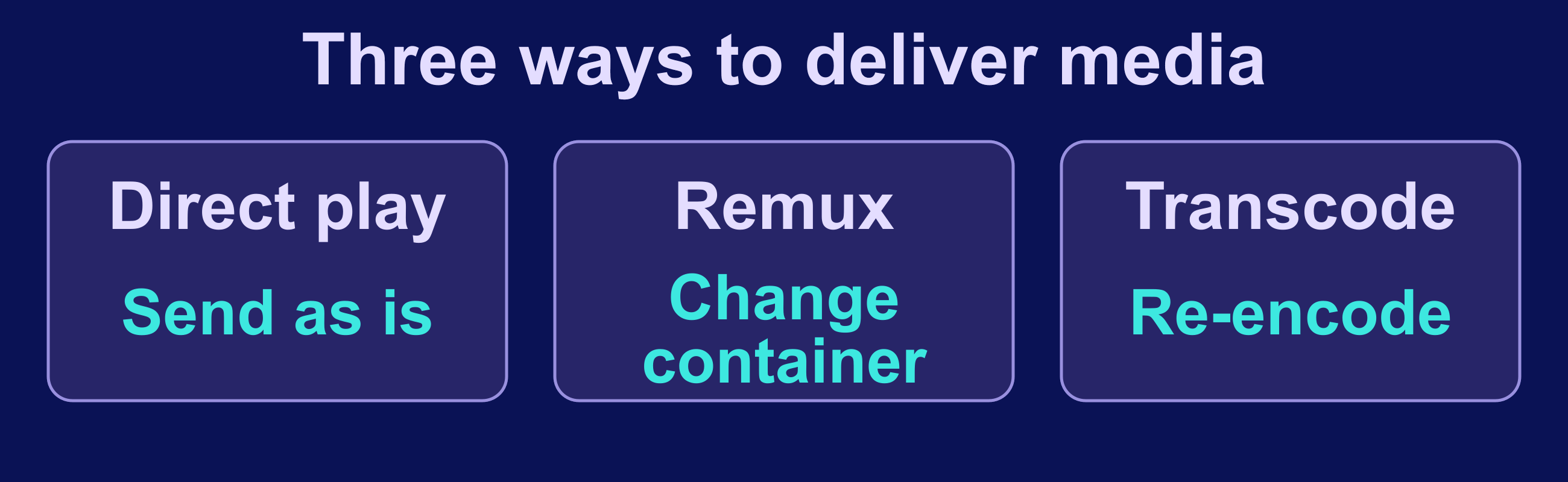
| Playback path | What the server does | Planning implication |
|---|---|---|
| Direct play | Sends the stored container, video, and audio tracks unchanged | Lowest processing demand, but the client must support the source |
| Remux (container-only conversion) | Repackages compatible tracks into another container without re-encoding them | Less processing than transcoding, while still requiring compatible codecs |
| Transcode | Decodes and re-encodes video, audio, or both to satisfy client or bitrate constraints | Plan CPU or supported hardware acceleration around representative difficult files |
Direct play sends a compatible file to the client without changing its container, video, or audio format. It normally uses far less CPU than transcoding. A remux repackages compatible tracks into another container. A transcode re-encodes audio, video, or both. Product labels differ: Jellyfin calls audio conversion with unchanged video “Direct Stream,” so inspect the actual track conversion instead of relying on the label alone.
Transcoding capacity is not a fixed “streams per core” number. Source codec, bit depth, target resolution, tone mapping, subtitle burn-in, encoder settings, and hardware acceleration all matter. Jellyfin’s current hardware-acceleration documentation notes that some pipeline stages cannot be accelerated and that partial acceleration can leave substantial CPU work. Plex identifies hardware-accelerated streaming as a Plex Pass feature, and Emby’s current feature matrix gates most hardware-accelerated transcoding behind Emby Premiere.
Plan from the difficult playback cases, but improve client compatibility before buying compute. A client that supports the source codec and text subtitles may avoid a transcode entirely. Test representative files on every important client, then measure CPU, memory, temporary-cache I/O, and outbound throughput while those files play.
Compare the Main Self-Hosted Media Server Options
| Platform | Best fit | Important boundary |
|---|---|---|
| Jellyfin | General video libraries with a free-software server and configurable clients | Remote access, codec support, and hardware acceleration still need deliberate setup and testing |
| Plex | Broad client coverage and a guided account-based experience | Remote playback has current account/subscription rules; hardware acceleration requires Plex Pass |
| Emby | A managed library experience with a mix of free and Premiere features | Check the current feature matrix because playback and server capabilities vary by app and license |
| Kodi | A home-theater client or local UPnP sharing setup | Kodi can serve a UPnP browse tree, but a receiving Kodi client does not build a full local library from that share |
| Universal Media Server or Gerbera | DLNA/UPnP playback on televisions and other local-network renderers | Renderer compatibility and access control need testing; this is a different model from polished per-user remote apps |
| Navidrome | Music-focused libraries and OpenSubsonic-compatible clients | It is an audio server, not a replacement for a video-library platform |
Jellyfin is the strongest starting point when free software and control of the complete server stack are priorities. Plex is often easier when its supported clients and account workflow match your household, but the current remote-playback and premium-feature rules must be part of the decision. Emby sits between those models. Kodi, Universal Media Server, and Gerbera are useful when the target is primarily a television or local UPnP renderer. Navidrome is a focused choice when the library is music rather than video.
Match Compute, Storage, and Network Capacity
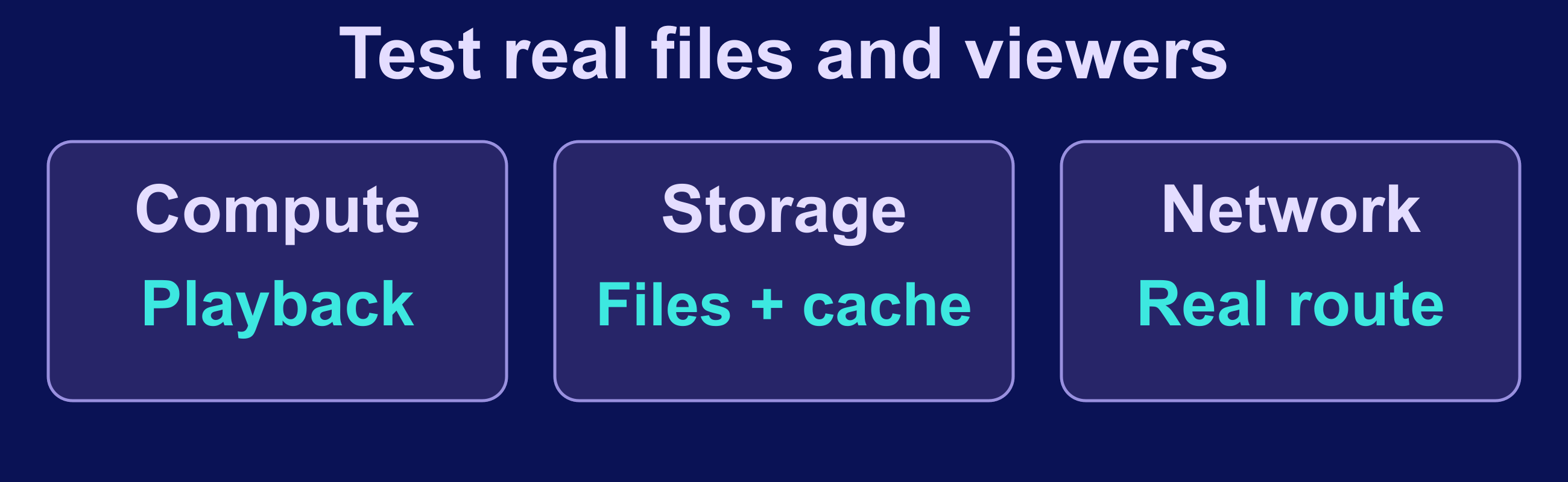
Separate the application footprint from the media footprint. The server database, cache, thumbnails, subtitles, and temporary transcode files may fit on fast local NVMe storage, while the media library can be much larger. Do not assume a small system disk can hold a growing video collection. Monitor free space in both the persistent configuration path and the transcode-cache path.
As checked on September 17, 2026, the public VPS.us KVM page lists plans from 1 to 8 vCores, 1 to 8 GB RAM, and 20 to 80 GB NVMe storage, with a 1 Gbps port. It also describes traffic as unmetered under a fair-use policy and states that projects exceeding 5 TB per month may be adjusted to 10 Mbps. Those limits make current VPS.us plans suitable for a compact library, an audio server, or a workload with carefully planned external storage; they are not evidence that an arbitrary multi-terabyte video library or a chosen number of concurrent transcodes will fit.
Choose a location near the viewers and test the complete route. Server port speed does not guarantee throughput to a particular ISP or device. Start with one representative stream, then add the expected concurrency while watching application playback information and system metrics. The VPS server optimization guide provides a broader framework for distinguishing CPU, memory, disk, and network bottlenecks.
Deploy a Small Jellyfin Pilot With Docker Compose
Jellyfin publishes an official container image and documents persistent /config and /cache paths. On a Linux VPS with Docker Engine and the Compose plugin installed, the pilot below tracks the 10.11 minor release family, runs with a non-root numeric user, mounts the media directory read-only, and binds the web port to loopback. Save this as compose.yaml in a new project directory. Replace the UID, GID, and media path with values verified on your host, and confirm that user can read the media files. Binding to 127.0.0.1 means you must use an SSH tunnel or a reverse proxy on the same host; it deliberately does not expose port 8096 to the public network.
services:
  jellyfin:
    image: jellyfin/jellyfin:10.11
    container_name: jellyfin
    user: "1000:1000"
    ports:
      - "127.0.0.1:8096:8096/tcp"
    volumes:
      - ./config:/config
      - ./cache:/cache
      - /srv/media:/media:ro
    restart: unless-stopped
Create the directories with ownership that matches the selected UID and GID before starting the container. The official Jellyfin guide notes that host networking is required for DLNA from the container; this loopback-only pilot intentionally favors controlled web access instead of local-network discovery.
mkdir -p config cache
sudo chown -R 1000:1000 config cache
docker compose pull
docker compose up -d
docker compose ps
docker compose logs --tail 100 jellyfin
Open an SSH tunnel for the first setup, create the administrator account, add the read-only /media library, and test locally before enabling remote access. The Docker VPS hosting guide covers the wider container-host baseline; keep the media application itself isolated from unrelated services where practical.
Protect the Media Library and Server Configuration

Configuration backups and media backups solve different failures. The application backup contains users, database state, metadata, plugins, and settings; it does not automatically protect the original media mounted at /media. Back up both according to their value and recovery time, keep at least one copy off the server, and test a restore rather than treating a successful job log as proof.
Jellyfin 10.11 added a built-in backup system for its database and selected metadata, subtitles, and trickplay data. Its official documentation recommends creating backups during low activity and explains that a manual backup requires stopping Jellyfin first so the database is not copied in an unsafe state. Tracking a minor release family postpones upgrades to a newer minor family; Jellyfin states that it has no downgrade mechanism after a migration, so a version-compatible backup matters before an upgrade.
Protect backups that contain account data or access tokens, encrypt off-host copies, and restrict read permissions. Review the self-hosted backup guide for retention and restore-test planning beyond this application-specific example.
Test Playback and Operate the Server
Test one file from every meaningful codec, resolution, subtitle type, and client class. The server’s playback dashboard or logs should tell you whether the session is direct playing, remuxing, or transcoding. Record CPU, memory, cache I/O, free space, and outbound throughput during the test. Repeat with realistic concurrent sessions instead of multiplying a single-stream result by guesswork.
- Prefer compatible clients and text subtitles when they avoid unnecessary video conversion.
- Keep the transcode cache on fast storage with monitored free space.
- Enable hardware acceleration only after confirming that the host, container device mapping, drivers, codecs, and software license support it.
- Set per-user access and remote-playback limits according to the people who should reach the library.
- Apply operating-system and container updates through a reviewed process, with a current backup and a rollback plan.
- Monitor authentication failures, application health, storage growth, and network use without logging secrets.
A healthy home-page response is not enough. Verify a real playback session, seek within the file, switch subtitles or audio tracks, and test from the networks users will actually use. The server access and hardening checklist is a useful companion for SSH, firewall, update, and recovery controls.
Secure Remote Access Before Opening the Library

Keep the first deployment private. For a small trusted group, a private VPN can avoid exposing the application directly. If you use a public domain, terminate HTTPS at a maintained reverse proxy, expose only the required proxy ports, keep the application port on an internal interface, and configure the media server’s known-proxy settings correctly.
Jellyfin’s current networking guide recommends HTTPS and warns that opening an application port directly to the internet is insecure. Its reverse-proxy guide also notes that some requests may carry authentication information in the URL, so full request paths can leak secrets into proxy logs. Protect or redact those logs, use strong unique passwords, disable remote access for accounts that do not need it, and review sessions after any credential or device loss.
The practical choice is therefore workload-specific: Jellyfin for a fully controlled general library, Plex for its client ecosystem when its account and premium rules fit, Emby when its licensing and feature mix are acceptable, Navidrome for music, and UPnP-focused tools for local renderers. Pilot with representative media, measure the real playback path, and keep storage, backup, and remote-access design separate from software preference.
Frequently Asked Questions
What is the best self-hosted media server for most video libraries?
Can a small VPS run a media server?
Is direct play always better than transcoding?
Should I expose Jellyfin or another media server directly to the internet?

