

Self-hosted Slack alternatives give you more control over where conversations live, who administers the server, and how long messages are retained. They also make your team responsible for updates, backups, access controls, and recovery. The useful question is which platform fits your communication habits and privacy requirements—and whether you can operate its supported edition reliably.
This guide compares six options, separates encryption from server ownership, and shows how to use published sizing guidance without mistaking it for a benchmark. Product and edition details were checked on October 14, 2026.
Define Your Requirements Before Choosing a Chat Server
Start with the workflows your team cannot lose. A public-channel development team, a private research group, and a customer-support operation need different products. User count alone does not describe their workload or security needs.
- Conversation model: channels, topics, direct messages, customer inboxes, or communication with other organizations.
- Access: guest accounts, single sign-on, offboarding, mobile clients, and the exact edition that provides each required control.
- Data handling: administrator access to messages, retention, exports, attachments, backups, and recovery keys.
- Integrations: CI alerts, monitoring, ticketing, bots, and any information those services receive.
- Operations: a named maintainer, update window, restore procedure, and support budget.
Write down a few real acceptance tests before installing anything. For example: a departing employee loses access on every device; a restored attachment opens with the correct permissions; and a notification reaches the intended mobile user without exposing more content than your policy allows.
Compare Six Self-Hosted Chat Options

The table is a starting point for a pilot, not a ranking or a capacity guarantee. The interface images below come from official product or documentation material and contain sample conversations; their appearance does not establish feature availability in every edition.
| Platform | Start here when you need | Check before committing |
|---|---|---|
| Mattermost | Channel-based collaboration and operational integrations | Entry versus Team Edition versus paid features |
| Rocket.Chat | Channels with configurable communication workflows | Plan limits, encrypted-room behavior, and database requirements |
| Zulip | Topic-organized asynchronous discussion | Team adoption of topics and server-readable messages |
| Matrix + Element | Encrypted rooms and optional cross-server communication | Device verification, key recovery, federation, and bridges |
| Wire | End-to-end encrypted messaging and calling | Supported on-premises architecture and operational effort |
| Chatwoot | A customer-service inbox with internal collaboration | It serves support workflows rather than general team chat |
Mattermost
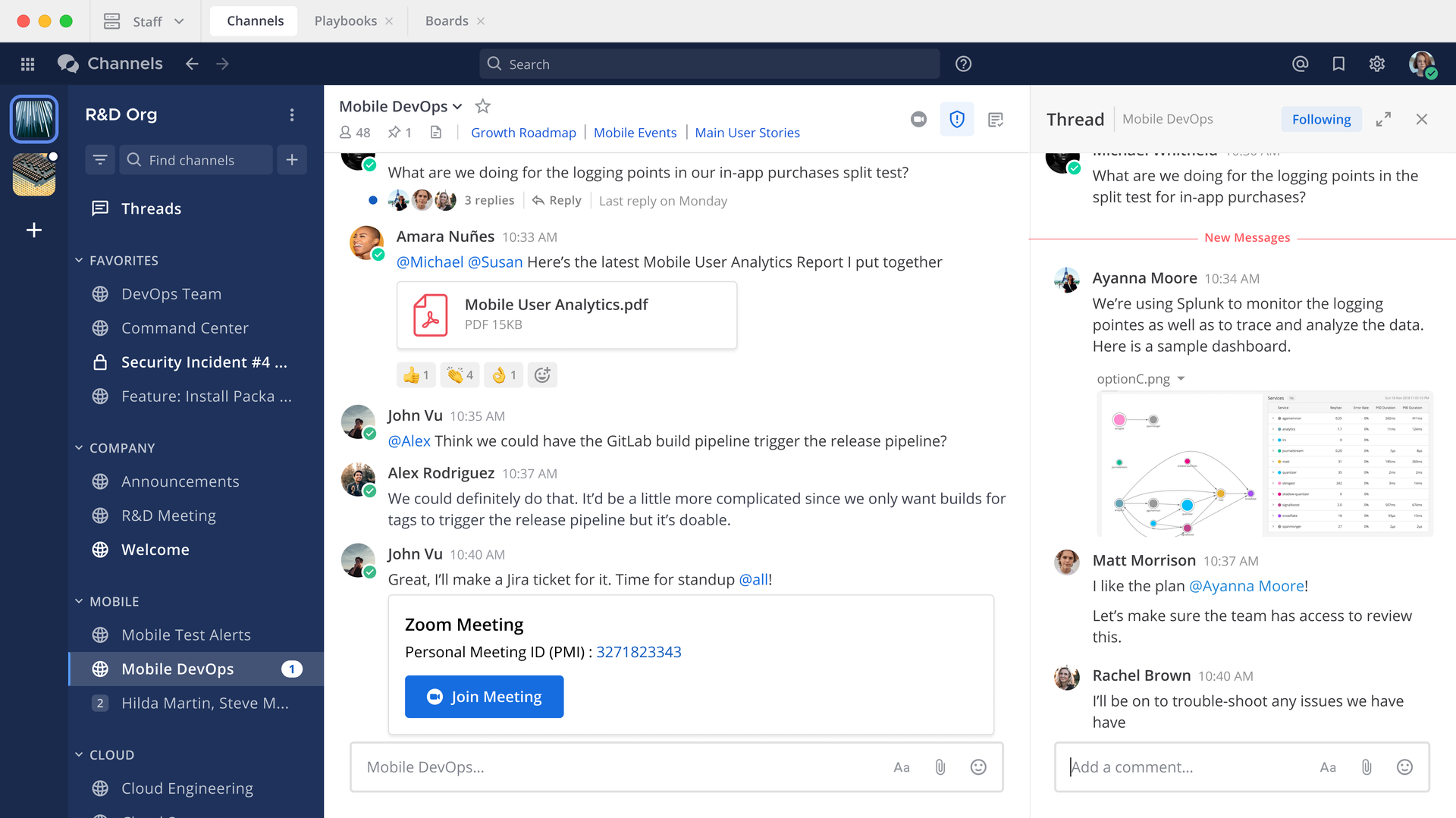
Mattermost is worth testing if your team wants channels, integrations, and operational workflows. Pay close attention to its current edition definitions. The free Entry mode and the open-source Team Edition are different offerings.
Entry exposes only the most recent 10,000 channel messages for viewing and search, although older messages remain in its database. Team Edition is described for small teams and personal use below 250 activated users, without SSO; the publisher does not recommend it for sensitive commercial workloads. Treat these as product-scope constraints, not hardware benchmarks. Verify paid requirements for your identity, retention, audit, and availability needs before importing team history.
Rocket.Chat
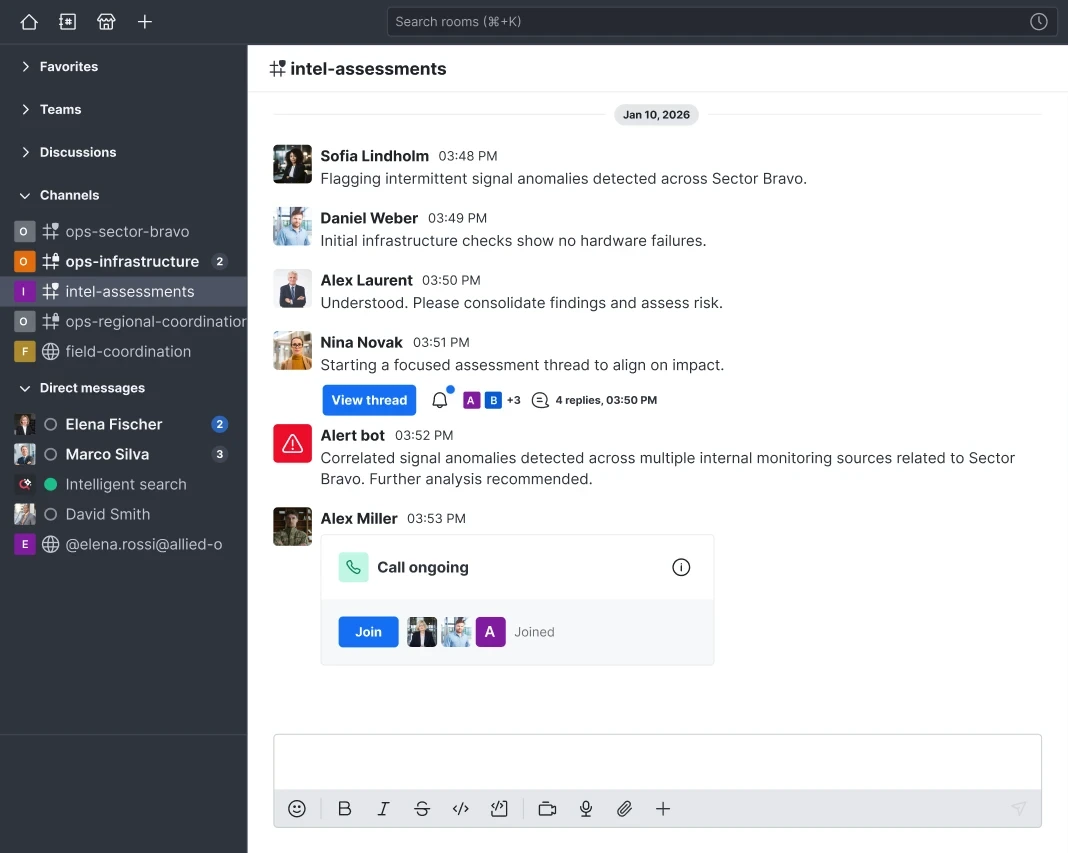
Rocket.Chat combines familiar channels with configurable communication workflows. Its current plans distinguish Starter, Community, and paid offerings. Starter is limited to 50 users; Community has a different feature scope. Do not assume a free self-managed deployment includes every security or support capability shown in a product demonstration.
Rocket.Chat supports end-to-end encrypted rooms, so it should not be described as TLS-only. Check the encrypted-room documentation for client, search, integration, and administration limitations. Its application and MongoDB also need a supported version pairing; an old all-in-one Compose example is not a dependable deployment specification.
Zulip
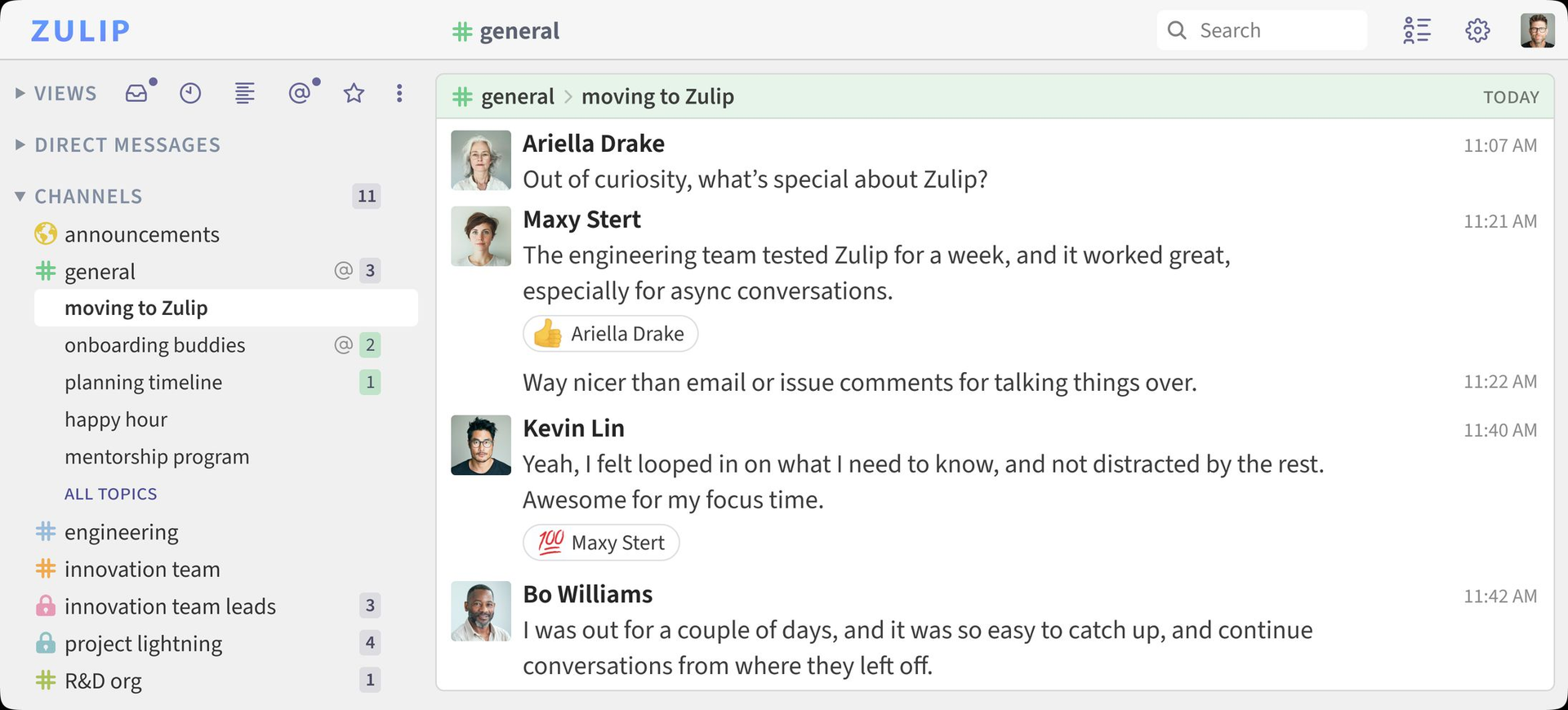
Zulip organizes channel conversations into topics. That makes it a useful pilot for teams that need to return to several discussions without following a single continuous channel stream. Have the pilot group practice naming, following, and moving topics; the benefit depends on using that model consistently.
Zulip documents SSO options, retention controls, and administrative audit logs in its security overview. Its mobile push-notification encryption protects notification content from intermediaries; it does not make ordinary server-stored conversations end-to-end encrypted against your own server administrators. Keep that distinction in your privacy review.
Matrix + Element
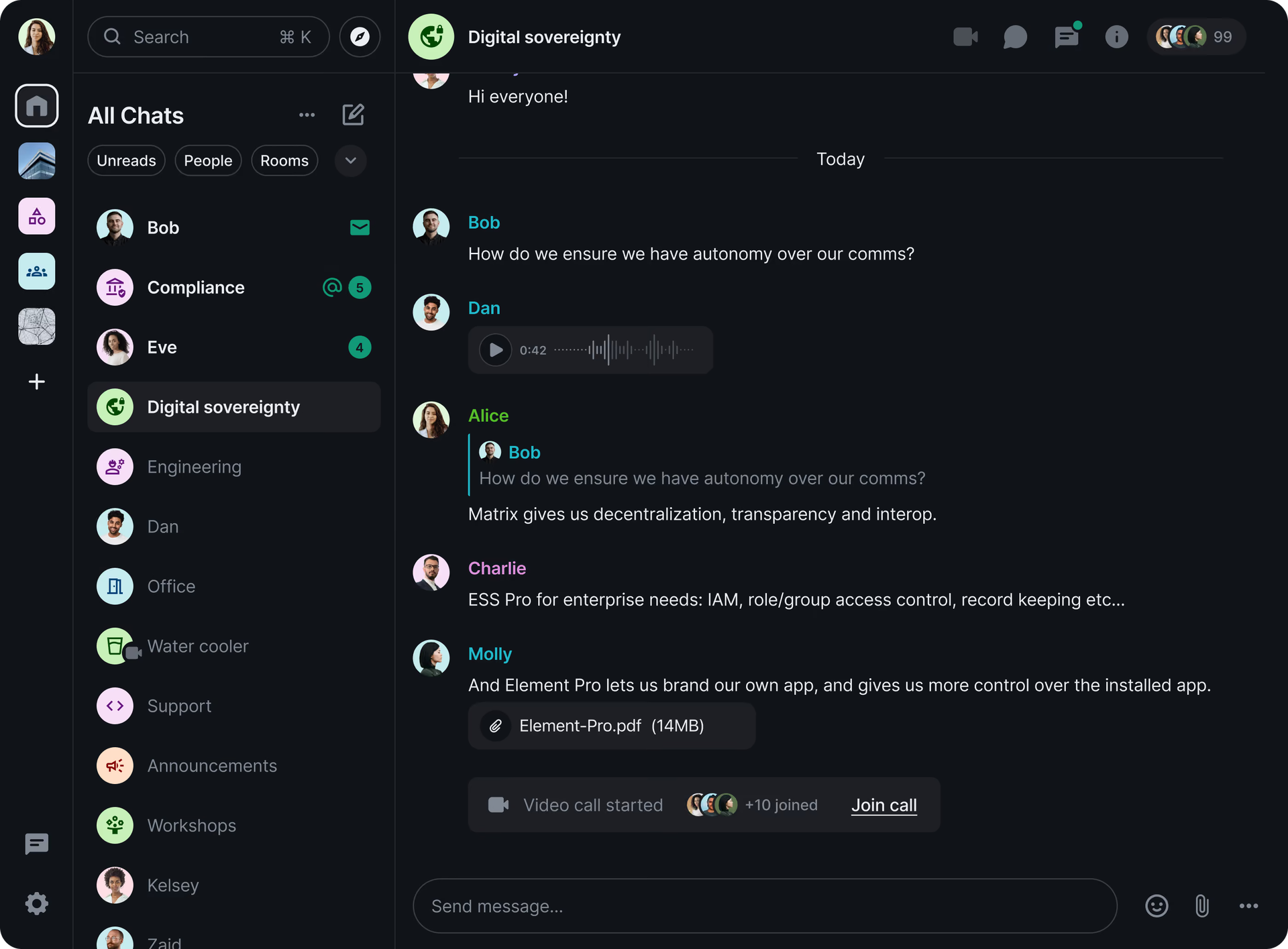
Matrix is a communication protocol; Element is a client and product family, while a homeserver such as Synapse stores and routes messages. This separation is useful when you need room-based communication across independently operated servers. Federation is a design choice to evaluate, not a requirement to expose every room publicly.
In encrypted rooms, message confidentiality depends on the participating clients and their keys. Review the Matrix encryption model, then test device verification and recovery with the clients you intend to support. Bridges, bots, metadata, and remote room participants need separate consideration. A self-hosted homeserver does not bring every copy of a federated conversation under one administrator’s control.
Wire
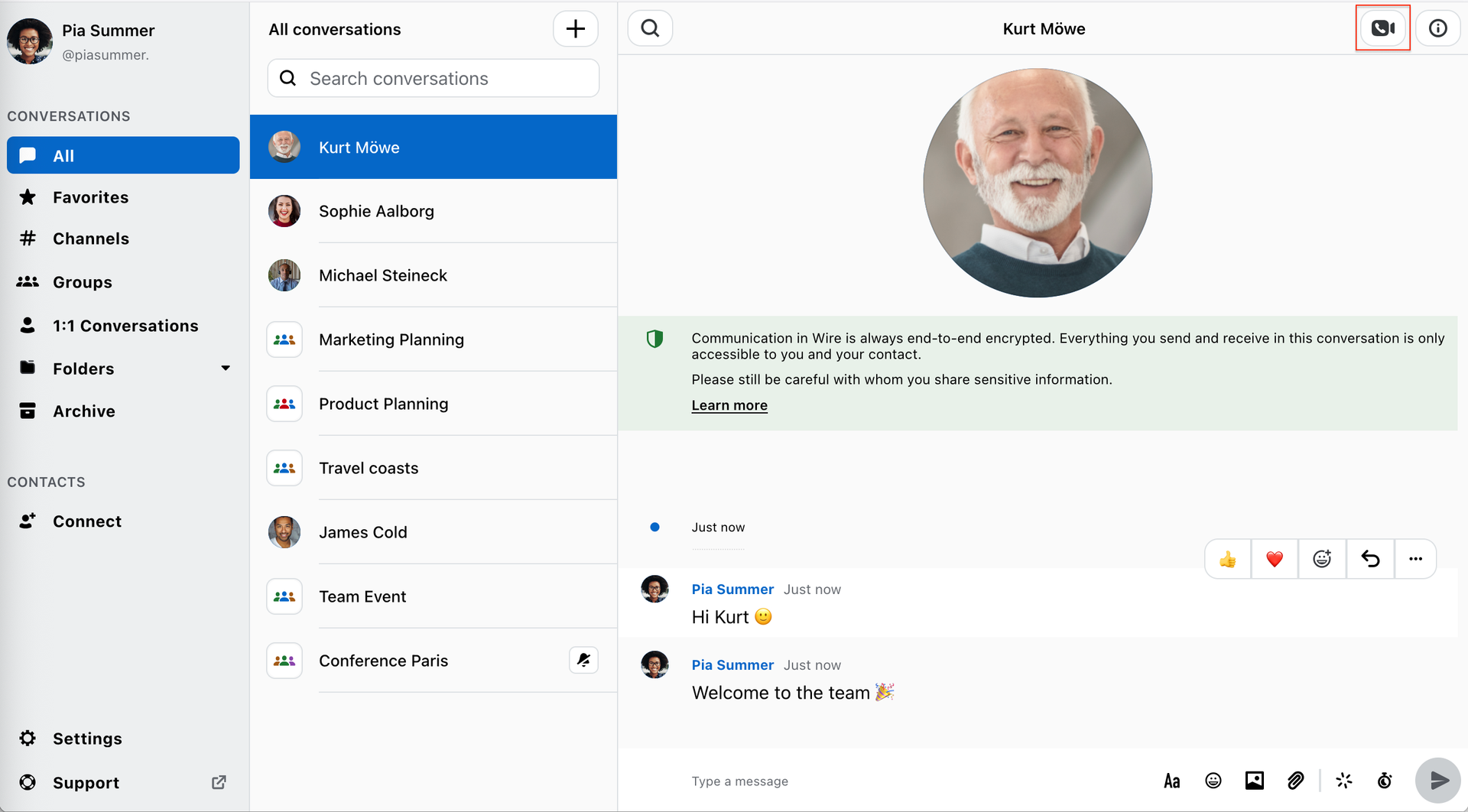
Wire is relevant when encrypted messaging and calling are central requirements. Its deployment options include infrastructure operated by your organization. Confirm the edition, support arrangement, and client configuration appropriate to that deployment.
The operator documentation describes a multi-service system with Kubernetes and supporting data services. Do not infer that a small team makes the production architecture simple, or assume it fits the same single-VPS configuration as another chat server. Evaluate the supported architecture and maintenance demands before committing.
Chatwoot
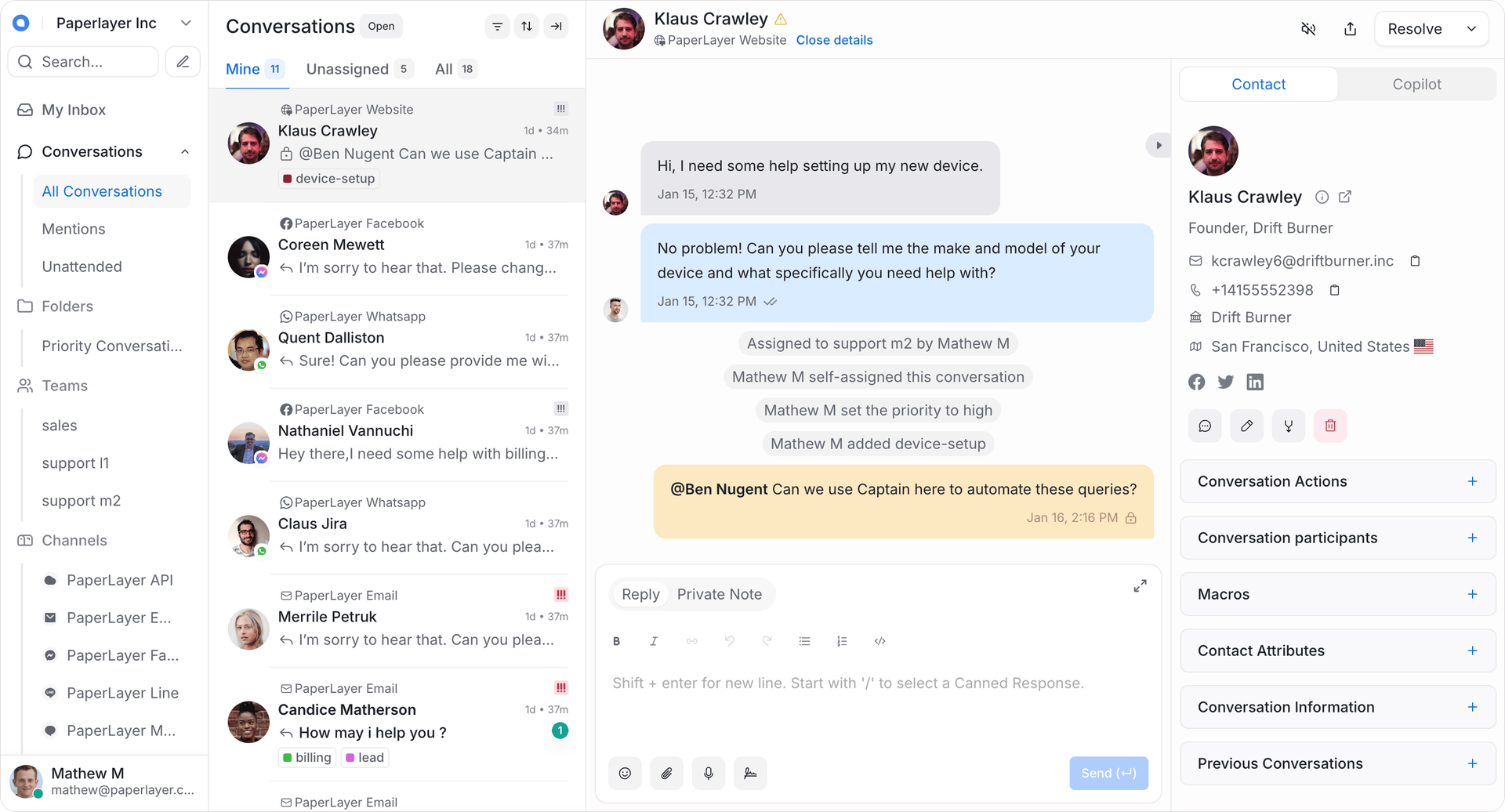
Chatwoot addresses customer conversations: a shared inbox, assignments, and collaboration around support work. It can be the right answer when “replace Slack” actually means “stop coordinating support cases in chat.” It is a different fit from a general internal messaging platform.
Compare the self-hosted editions against the features you need. Identity controls and enterprise capabilities may require a paid edition. Test the connected customer channels and their own data handling, rather than assuming self-hosting the inbox makes the entire communication path private.
Set the Privacy Boundary Explicitly
TLS protects traffic between a client and server. Encryption at rest protects stored volumes or backups under the conditions of the chosen storage system. End-to-end encryption aims to keep message plaintext within authorized endpoints. These controls solve different problems; they are not interchangeable checkboxes.
For server-readable conversations, trusted administrators, database access, logs, and backup access belong in the threat model. For encrypted rooms, add device compromise, key recovery, and the consequences of losing keys. Encryption does not prevent a recipient from copying a message, and it does not automatically conceal all metadata.
- Test whether a new device can recover intended history and whether an offboarded device loses future access.
- Verify what integrations, push services, search indexes, call services, and bridges can see.
- Restrict administration separately from ordinary team membership; protect secrets and recovery material.
- Check retention and deletion across database records, uploaded files, exports, and backups.
Owning the server is one control within a wider operating policy. It does not by itself establish compliance or guarantee confidentiality. Compare your selected edition and actual configuration with your organization’s requirements.
Size the Deployment From Publisher Guidance
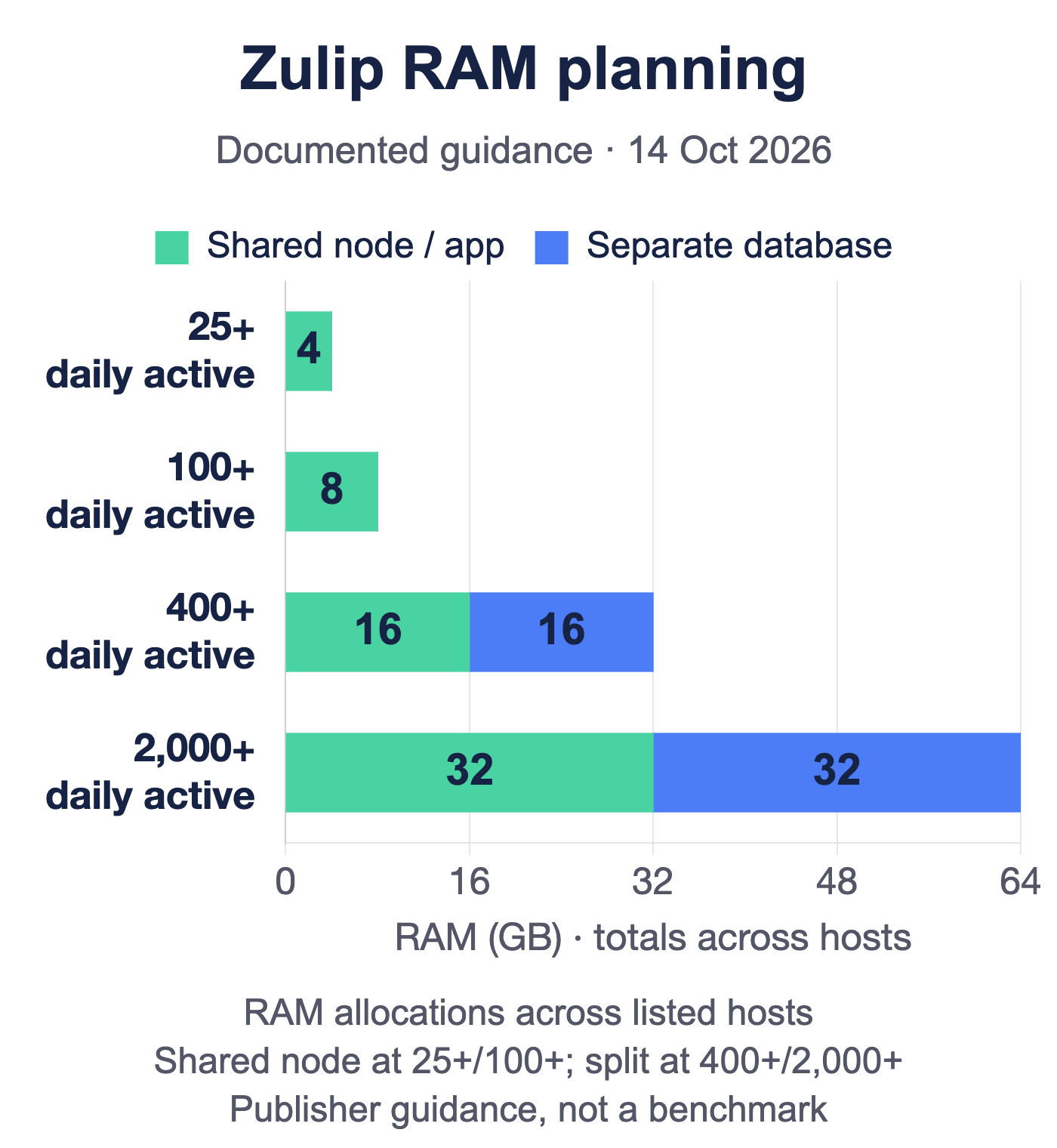
Publisher guidance, not a benchmark. Zulip’s scalability documentation, checked October 14, 2026, provides these RAM planning points. The two larger examples split application and database resources across hosts. The chart adds their documented RAM allocations; a total is not a recommendation for one VPS.
| Daily active users | Single-server / application RAM | Separate database RAM | Listed total |
|---|---|---|---|
| 25+ | 4 GB, shared deployment | Included, not separately specified | 4 GB |
| 100+ | 8 GB, shared deployment | Included, not separately specified | 8 GB |
| 400+ | 16 GB, application server | 16 GB | 32 GB across hosts |
| 2,000+ | 32 GB, application server | 32 GB | 64 GB across hosts |
These are conservative planning thresholds, not measured memory consumption, maximum user counts, or a comparison with competing products. Account totals, activity, and message volume affect sizing. Storage, CPU, attachments, backups, and redundancy require their own budget.
Use each publisher’s current deployment guide for the topology you choose. For example, Rocket.Chat’s requirements separate application resources from MongoDB and describe different deployment scenarios. Combining unrelated vendor numbers into a “fastest chat app” chart would hide those differences.
In your pilot, observe memory pressure, database growth, search responsiveness, message delivery, and concurrent uploads under representative use. Include backup and upgrade activity. Our VPS performance guide provides broader infrastructure checks; it does not replace application-specific sizing.
Budget for Operations, Not Just the VPS
A monthly server price is only one input. There is no defensible universal claim that self-hosting becomes cheaper at a particular user count. Paid features, support, migration work, and the value of administrator time can change the result substantially.
| Cost area | Evidence to collect |
|---|---|
| Software and support | A current quote for the edition, users, support, and required add-ons |
| Infrastructure | The selected topology, storage growth, backups, traffic, and any separate database or call service |
| Administration | Observed time spent on upgrades, access, monitoring, restores, and incidents |
| Transition | Export access, migration tooling, training, parallel operation, and rollback |
Compare the same scope on both sides: features, retention, support, reliability requirements, and the same period. A no-cost software license can be useful without making the service free to operate.
Pilot the Migration and Test Recovery

Start with a representative group and a limited set of conversations. Keep the old system available until the team has verified both the working service and the recovery path.
- Check export and import support. Confirm what your source plan can export and what the destination imports. Test threads, timestamps, users, private conversations, attachments, and permissions.
- Exercise daily workflows. Try mobile notifications, file sharing, search, calls, and the integrations the team actually relies on.
- Test access changes. Invite a guest, remove a user, revoke a session, and confirm the resulting access from a second device.
- Restore into an isolated environment. Recover the database, uploaded files, configuration, and required keys. Verify both content and access controls; use a documented backup and restore process.
- Rehearse an update and rollback. Follow the vendor’s supported upgrade path and record which database migrations can be reversed. Define who will respond if the service fails.
Keep exports protected and remove temporary migration copies according to your retention policy. Record the limitations you found before deciding whether to move the rest of the team.
Choose the Tool That Fits the Workflow
Shortlist Mattermost or Rocket.Chat for channel-oriented workflows, Zulip for topic-based discussion, and Matrix + Element when encrypted rooms or cross-server communication are central. Evaluate Wire against its supported operational architecture; choose Chatwoot for a support inbox. These are starting hypotheses to test, not universal winners.
The best outcome is a platform your team can use and your maintainer can recover. For background on the ownership trade-off, see our self-hosted chat overview.
Frequently Asked Questions
What is a self-hosted Slack alternative?
Does self-hosting make every message end-to-end encrypted?
Which alternative is cheapest?
Can one VPS support the whole team?
Can we keep our Slack history?

