

Helpdesk software is central to customer support, enabling businesses to manage incoming requests, organize tickets, and address issues efficiently. Self hosted helpdesk software gives you control over your support system by running on your own server, allowing you to manage data and tailor workflows to specific needs.
What Is Self Hosted Helpdesk Software?
Self hosted helpdesk software is installed on an infrastructure you control. Most implementations deploy an open source helpdesk system that can be configured on a VPS, dedicated server, or on-premise machine. This solution stores tickets, customer data, and workflows on your setup rather than on a provider’s cloud platform. In contrast to cloud helpdesk tools that handle setup, scaling, and maintenance, self hosted solutions require you to manage installation, updates, and security.
A hosted SaaS helpdesk lets you sign up and start using the system immediately but confines you to the provider’s features and pricing. With a self hosted helpdesk, you define how the system behaves by modifying workflows, integrating internal systems, and controlling data storage. The benefits include complete data control, customization, long-term cost efficiency, and easier compliance with privacy regulations. However, you assume responsibility for system uptime, regular updates, and backup strategies.
Key Benefits of Self Hosted Helpdesk Software

When using an open source helpdesk system, major advantages include:
- Full data control: Customer data remains on your servers, which is essential for privacy-sensitive operations.
- Customization: Adjust workflows, integrations, and even the code to meet your needs.
- Cost efficiency: Avoid recurring per-agent fees that can grow with your team size.
- Compliance: Maintain regulatory requirements more easily when your data stays in-house.
Potential Drawbacks
Self hosting comes with challenges that should be carefully considered:
- Setup complexity: Installation and configuration require technical expertise.
- Ongoing maintenance: You must handle regular updates, backups, and performance monitoring.
- Scalability: Growth in support volume may require infrastructure enhancements.
- Limited managed support: Troubleshooting and security rely entirely on your team without vendor assistance.
Best Self Hosted Helpdesk Options
osTicket
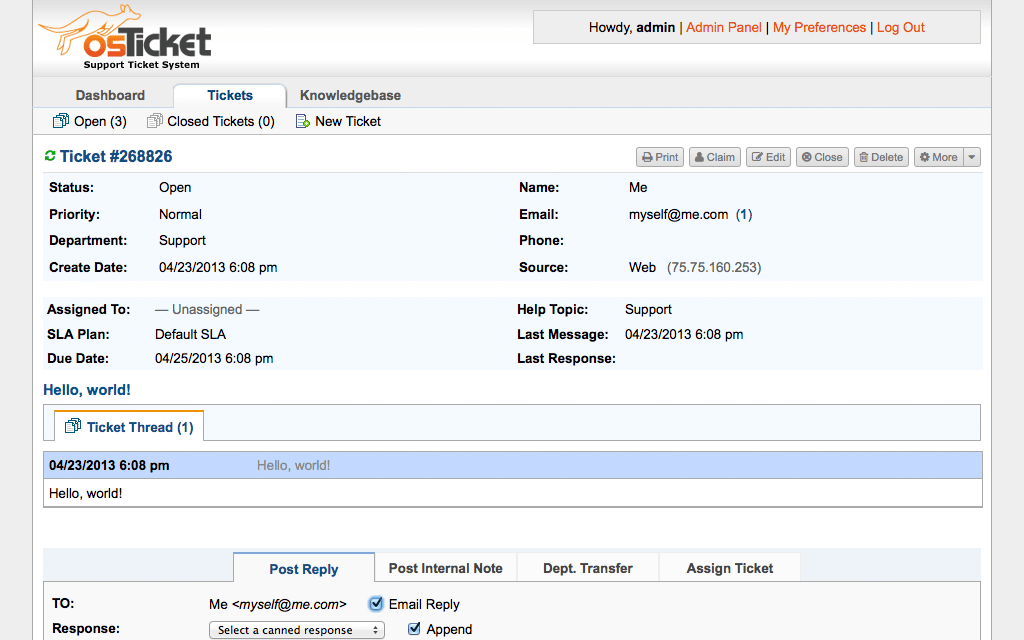
A battle-tested open-source helpdesk platform built around email piping, ticket queues, and rule-based automation. osTicket handles multi-department routing, custom forms, and SLA management out of the box — making it a dependable choice for small to mid-sized support teams that need structure without complexity.
Zammad
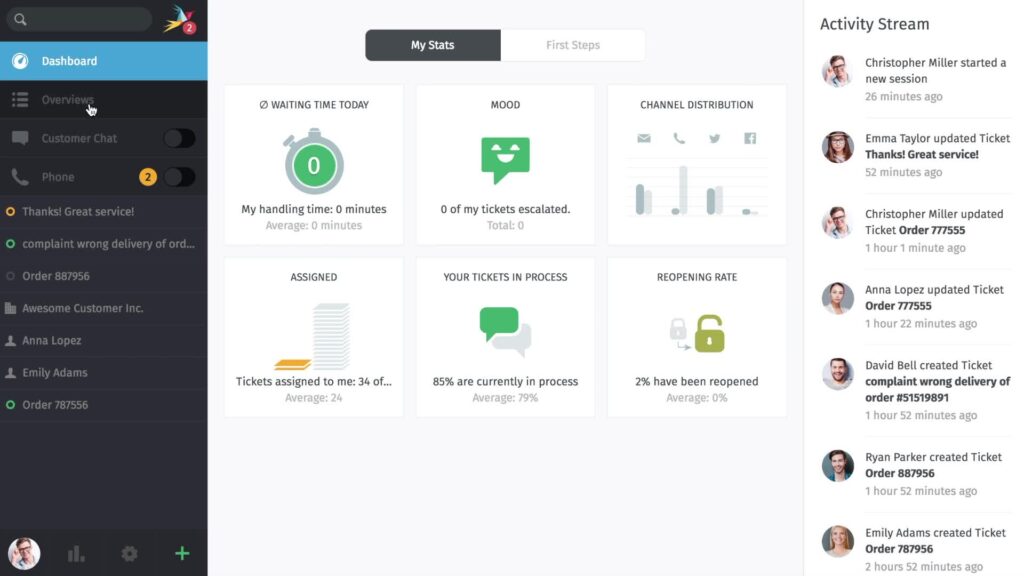
A modern helpdesk solution with a clean, responsive interface and powerful workflow tools including triggers, macros, and time-based escalations. Zammad integrates natively with email, chat, and social channels, and scales well for teams managing moderate to high support volumes who need granular control over ticket lifecycle.
UVdesk
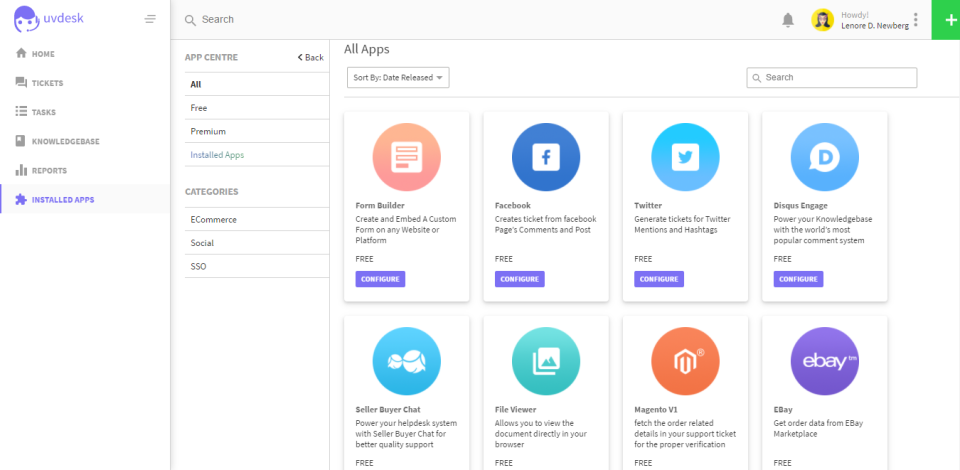
An extensible helpdesk framework with deep e-commerce integrations — including Shopify, WooCommerce, and Amazon — making it particularly well-suited for online retailers managing order-related support. Its modular architecture allows significant customization, though initial setup requires more configuration effort than simpler alternatives.
FreeScout
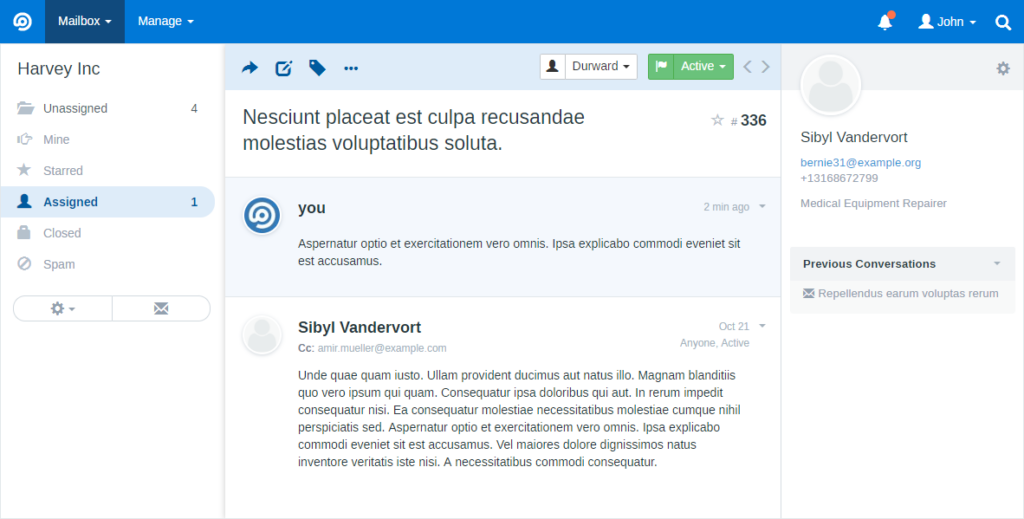
A lightweight, self-hosted helpdesk inspired by Help Scout’s interface, designed for teams that want a clean shared inbox experience without heavy infrastructure. FreeScout is fast to deploy, low on server resources, and covers the essentials — shared mailboxes, notes, collision detection — without unnecessary overhead.
HESK
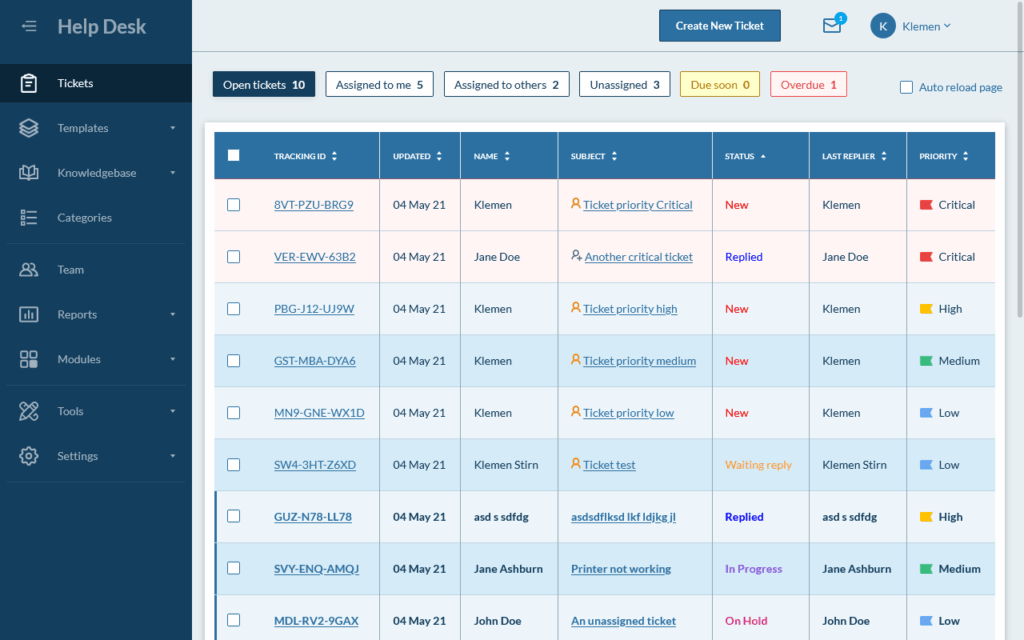
A straightforward PHP-based helpdesk focused entirely on simplicity. HESK offers a basic ticketing interface, a built-in knowledge base, and minimal configuration requirements — making it an ideal fit for very small teams, solo operators, or internal support desks that don’t need advanced workflow features.
GLPI
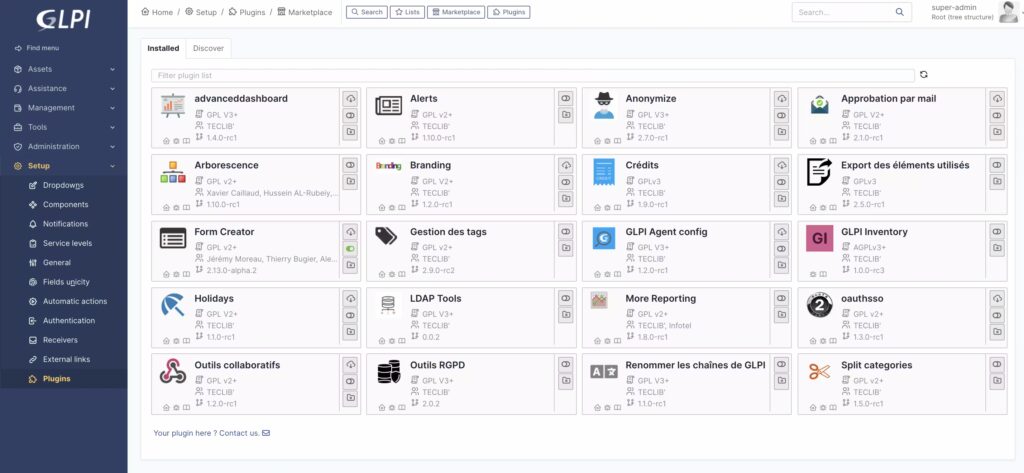
A comprehensive IT service management platform that combines helpdesk ticketing with full IT asset tracking, inventory management, and CMDB capabilities. GLPI goes well beyond standard support tooling, making it the strongest option for IT departments that need to manage infrastructure and support operations within a single unified system.
Several open source helpdesk systems stand out for their features and integration capabilities:
Open Source vs. Paid Solutions
Self hosted helpdesk tools range from free, open source systems to paid versions that offer additional features and support. Open source options provide flexibility but require technical skills for setup and ongoing maintenance, while paid solutions deliver vendor support and ease of deployment for mission-critical helpdesks.
Key Features to Look For

When evaluating self hosted helpdesk software, consider these essential features:
- Ticket Management System: Look for tagging, prioritization, and assignment capabilities to streamline workflows.
- Automation and Workflows: Set up automatic ticket assignments and status updates to reduce manual tasks.
- Multi-Channel Support: Consolidate email, web forms, and other communication channels into a unified interface.
- Reporting and Analytics: Use performance metrics like response times and resolution rates to refine support processes.
- Integrations: Ensure compatibility with CRMs, monitoring tools, or internal systems to further streamline operations.
Performance and Infrastructure Considerations
Running your own helpdesk requires attention to performance and reliability. Key considerations include:
- Server Sizing: A small team may operate on minimal resources, while larger teams need stronger CPUs and ample RAM.
- Database Performance: Optimize database queries to avoid slowdowns that impact the entire system.
- Scalability: Plan for future growth by preparing for resource upgrades as ticket volumes increase.
- Backup Strategy: Implement regular backups to protect against data loss.
- Security: Maintain strict firewall rules, set up access controls, and apply timely updates.
Choosing the Right Self Hosted Helpdesk
Your choice depends on team size, growth expectations, and available technical resources. For example:
- Small teams: Tools like FreeScout or HESK emphasize ease of use.
- Growing businesses: Systems with automation, integrations, and scalability like Zammad or UVdesk can better support expansion.
- Enterprise setups: Look for comprehensive features including advanced workflows and detailed reporting.
Avoid common pitfalls such as underestimating maintenance needs, implementing overly complex solutions, or neglecting proper security practices.
Best Practices for Running a Self Hosted Helpdesk

Approaching your self hosted helpdesk as a dynamic system can maximize its effectiveness. Keep these practices in mind:
- Regular updates: Keep all software components and dependencies current.
- Performance monitoring: Track system performance routinely to address bottlenecks quickly.
- Defined workflows: Establish consistent processes for managing tickets from submission to resolution.
- Documentation: Develop internal guides to help your team follow best practices.
Conclusion
Self hosted helpdesk software offers control, customization, and potential cost savings. The right solution strikes a balance between your technical capabilities and operational needs. As your support operations grow, invest in a reliable hosting solution. For instance, VPSus’s KVM4 plan (featuring 4 vCores, 4 GB ECC RAM, 40 GB NVMe storage, and a 1 Gbps port) provides the power needed to run intensive support systems reliably while giving you full server access. More information is available on the VPSus KVM VPS page.
—
FAQ
Q: What is self hosted helpdesk software?
A: It is a customer support system installed on your own server, giving you full control over data, customization, and deployment.
Q: How does self hosted helpdesk software differ from cloud helpdesk solutions?
A: Self hosted helpdesks require manual setup and ongoing maintenance, while cloud solutions are managed by the provider but offer limited customization.
Q: What are the key benefits of using self hosted helpdesk software?
A: Benefits include full data control, enhanced customization, potential cost savings, and easier compliance with data regulations.
Q: What challenges should I expect with self hosted helpdesk software?
A: You should be prepared for setup complexity, ongoing maintenance demands, scalability issues, and the need to ensure robust security.
Q: How can I improve my self hosted helpdesk performance?
A: Optimize your server resources, perform regular updates and backups, and choose hardware that meets your team’s ticket volume requirements.

