
The best self-hosted calendar depends on where you want to manage events. Nextcloud Calendar provides a browser workspace; Radicale and Baïkal serve calendars to apps you already use; SOGo brings scheduling into a wider groupware system. DAViCal and WebCalendar offer different approaches for administrators who need shared CalDAV storage or a browser calendar.
This guide compares their documented capabilities, maintenance needs and privacy trade-offs. It is a source-based comparison, not a performance benchmark. For the underlying concepts, start with our introduction to self-hosted calendars.
Run your chosen calendar software and manage its access and configuration yourself.
How to Choose a Self-Hosted Calendar
Start with the workflow you need to preserve. Do you edit events in a browser, in Apple Calendar, or on an Android phone? Do others need read-only visibility, permission to edit, or invitations that work across organizations? A server that stores events successfully can still be a poor fit for those daily tasks.
Separate three questions: where data lives, which clients can change it, and who maintains the service. Self-hosting gives you administrative control, but also makes updates, account recovery and tested backups your responsibility. Choose a system you can keep running after the initial setup.
Check the project’s current release instructions before installing. Older tutorials may target unsupported runtimes or different authentication defaults. The official sources linked below were checked on 27 October 2026; their documentation can change as new versions arrive.
Six Self-Hosted Calendar Options

This shortlist describes functions and deployment choices. It does not rank security or assign unsupported speed scores.
| Option | Workflow / fit | Storage / stack |
|---|---|---|
| Nextcloud Calendar | Browser calendar and CalDAV clients. You want shared calendars within Nextcloud. | Nextcloud, PHP and database |
| Radicale | External calendar clients. You want a focused sync service. | Python and filesystem collections |
| Baïkal | External clients; web administration. You prefer a PHP-based CalDAV server. | PHP and SQL database |
| SOGo | Web groupware and native clients. You also need mail and directory integration. | Groupware, database and integrations |
| DAViCal | CalDAV clients; web administration. You need shared CalDAV storage and delegation. | PHP and PostgreSQL |
| WebCalendar | Browser calendar. You want web scheduling and iCalendar exchange. | PHP and SQL database |
Nextcloud Calendar
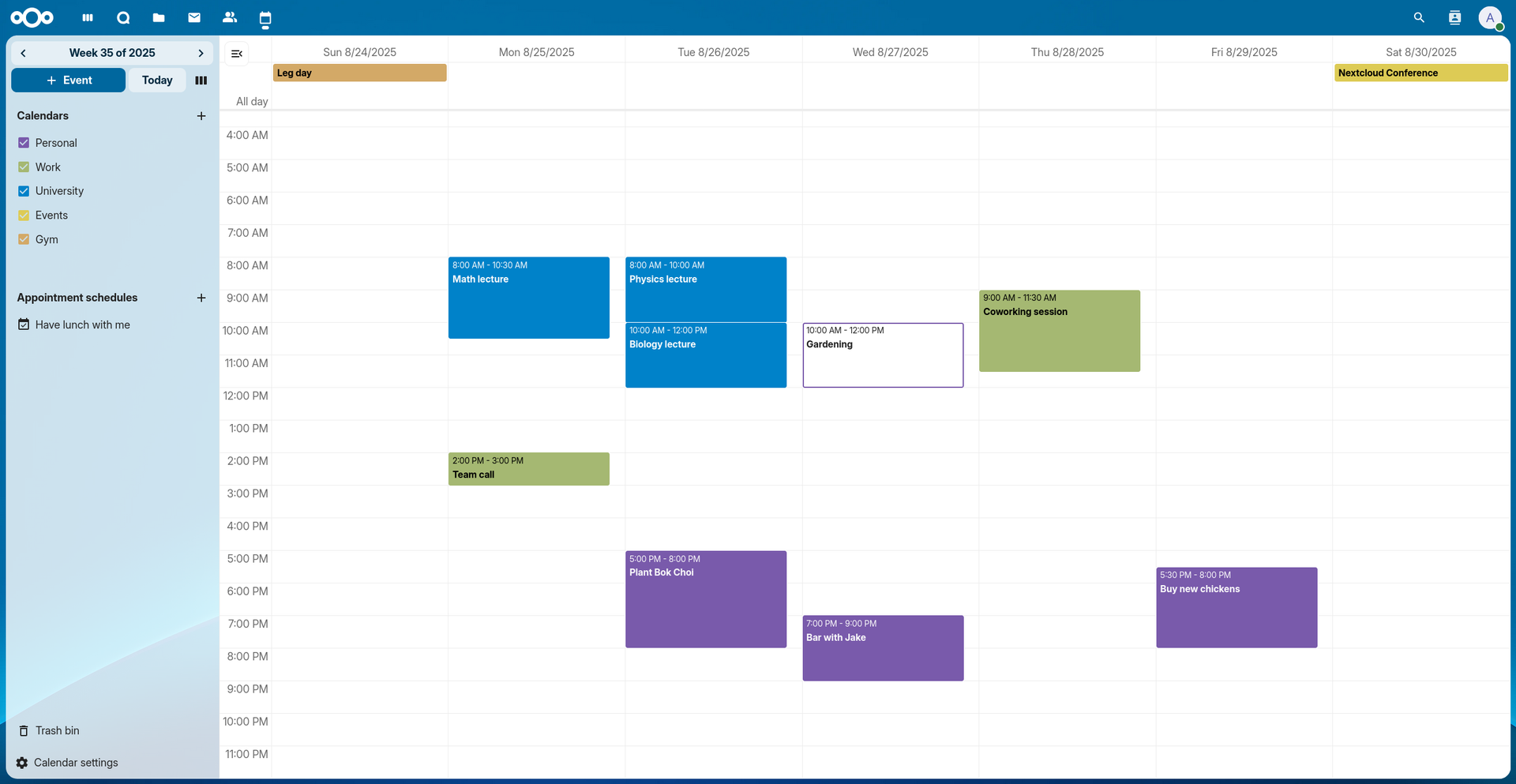
The official documentation image uses sample events from 2025 to illustrate the calendar interface.
Nextcloud Calendar suits people who want to create and share events in a browser while also syncing to calendar apps. Its user manual documents calendar sharing, read-only public links and iCalendar import/export. A public subscription link is not the same as giving another person permission to edit.
The trade-off is maintaining Nextcloud itself, its database and its supporting services. It is a natural shortlist choice if you already operate Nextcloud. For a calendar-only deployment, decide whether the wider platform is useful enough to justify that maintenance.
Radicale
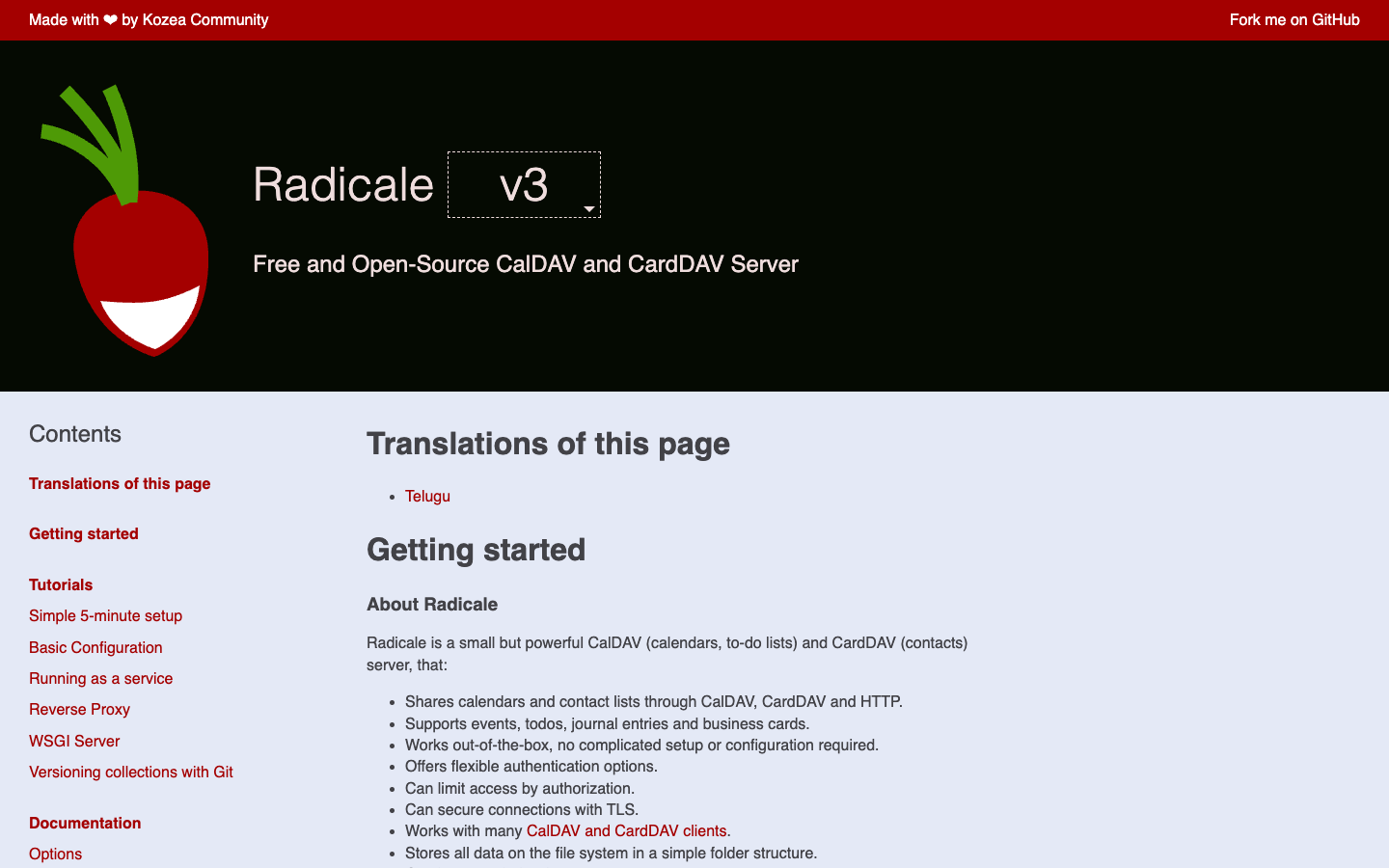
Radicale is a Python CalDAV and CardDAV server that stores collections in the filesystem. Its web interface manages collections; it is not a full event-editing calendar. You use a separate client to view and change appointments. The official documentation explains supported clients, authentication, access rules and reverse-proxy deployment.
That focused design suits someone who likes their existing calendar app and wants to operate the synchronization service. Configure real authentication and HTTPS before remote access; the documentation’s introductory localhost demonstration is not a production configuration.
Baïkal
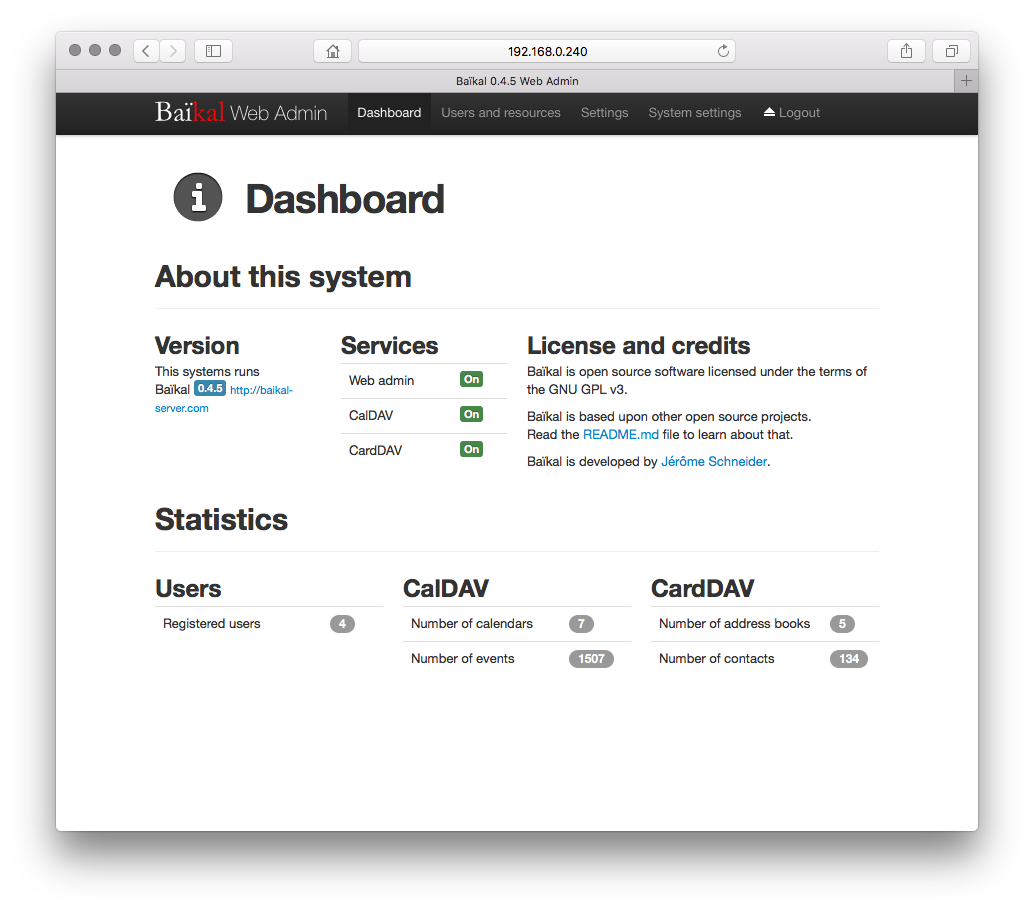
The official screenshot shows the historical Baïkal 0.4.5 administration interface and sample counts. Use the current installation documentation for today’s release.
Baïkal combines a CalDAV/CardDAV server with a web administration interface for users, calendars and address books. It runs on PHP with MySQL, PostgreSQL or SQLite. The project overview lists compatibility with Apple clients, DAVx⁵ on Android and Thunderbird.
Choose it when you prefer a PHP deployment and intend to edit events through external clients. Its admin interface should not be mistaken for a browser calendar. Follow the installation guidance to expose only the public html/ directory, keeping application configuration outside direct web access.
SOGo
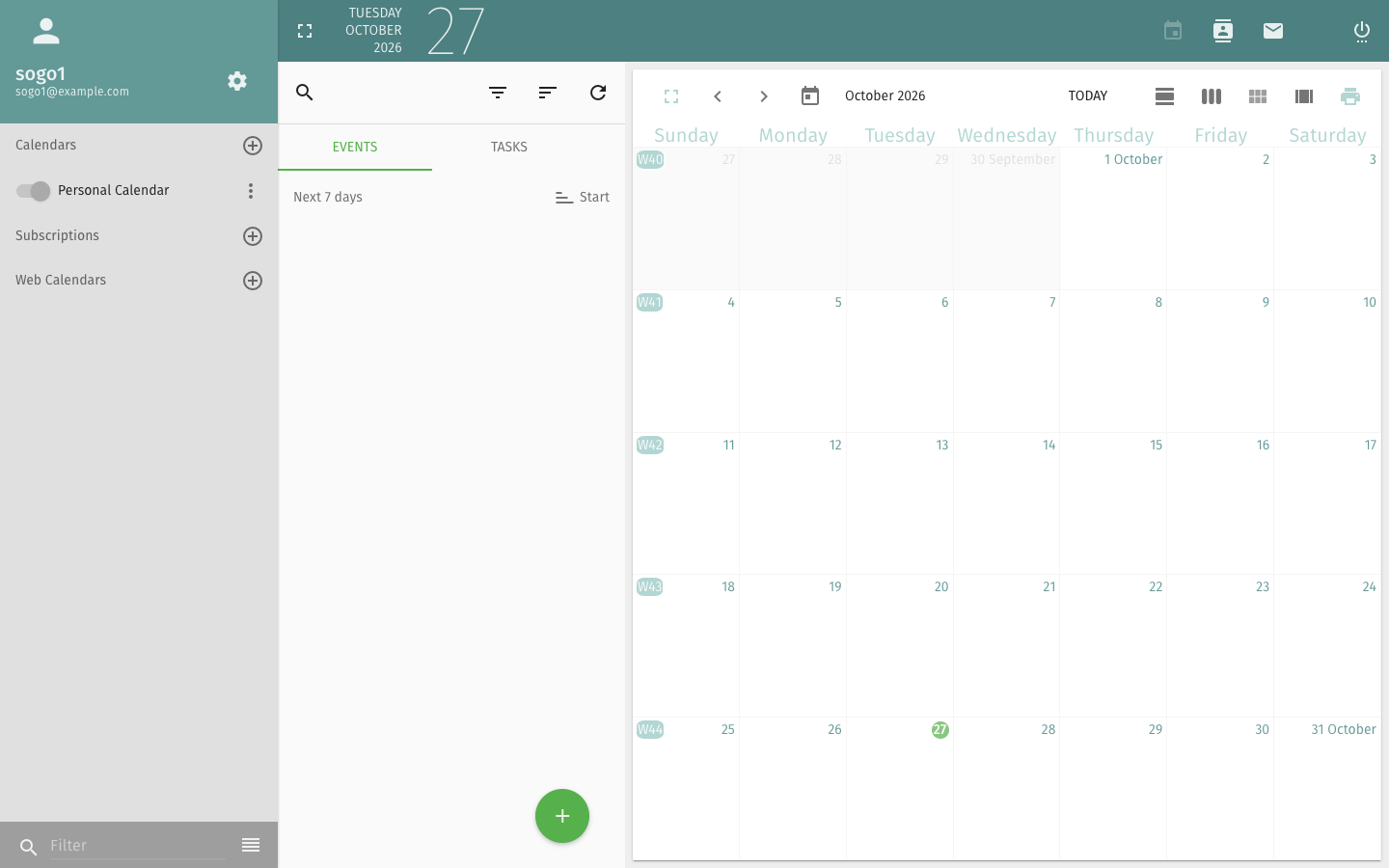
The image shows the official English public demo, with a sample calendar rather than private appointments.
SOGo combines calendars, contacts and mail in a web interface, with CalDAV/CardDAV and Microsoft ActiveSync support. Its official site also identifies Outlook CalDav Synchronizer as an Outlook integration route; verify the exact client edition before relying on it.
The deployment guide covers database, authentication and mail-server integration. This makes SOGo worth evaluating when those systems are already part of your environment. For personal calendar sync alone, the extra services may create more administration than you need.
DAViCal
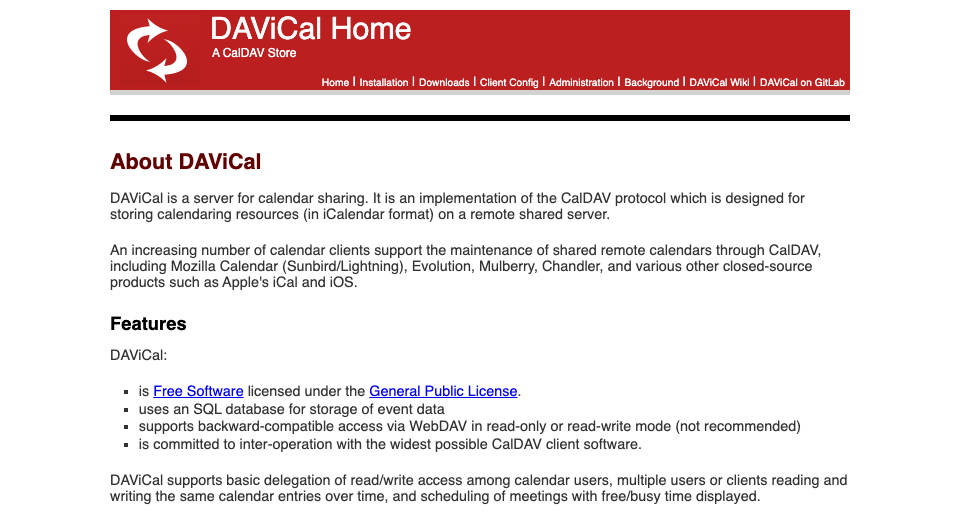
DAViCal focuses on shared calendar storage through CalDAV. It supports delegation and free/busy scheduling, using PHP and PostgreSQL. Consult its project documentation when assessing access to shared calendars from existing clients.
The homepage includes old client and PHP examples, so use current package requirements rather than copying those historical versions. The official download index includes a 2026 release. Its older-looking website alone is not evidence that the project is abandoned.
WebCalendar
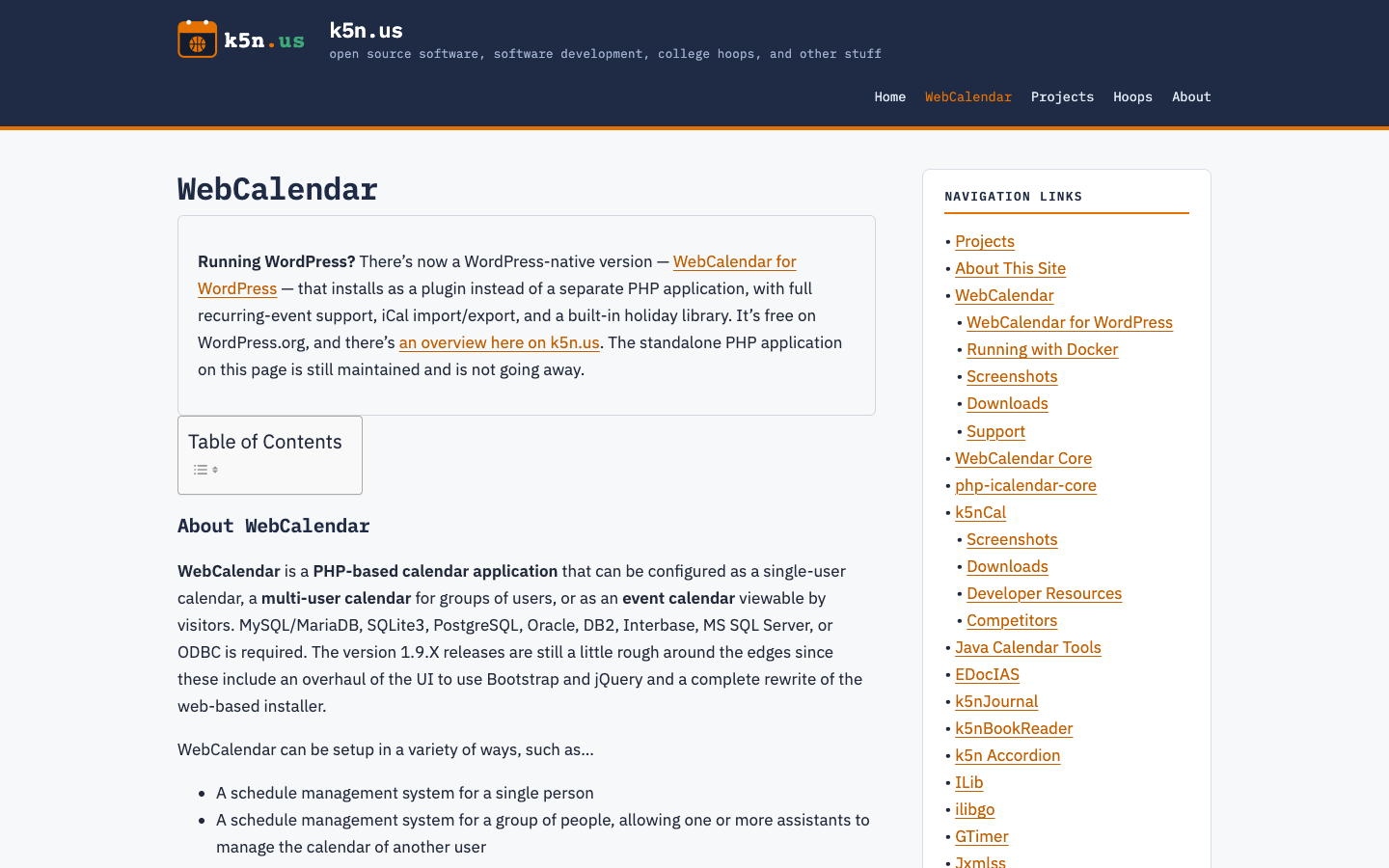
WebCalendar is a PHP browser calendar with multiple users, event permissions and iCalendar import/export. Its current repository documents supported SQL databases and installation options. It remains actively released; calling it a legacy-only option would misrepresent the current project.
Evaluate it for browser-based scheduling or calendar publication. Do not assume that importing or exporting an ICS file provides two-way CalDAV synchronization. If phone-calendar editing is essential, establish a supported sync route before choosing it.
Privacy, Access and Backups
Calendar privacy has several layers: the server, database or collection files, backups, client devices, invitation email and public sharing links. Moving the server does not remove these other copies. Decide who may administer the system and who can read each calendar before importing sensitive appointments.
HTTPS protects traffic in transit. It does not make events inaccessible to the running server. Nextcloud’s server-side encryption documentation describes file-content protection; it should not be presented as encryption for Calendar database records. Protect the database or filesystem and backup destinations separately, with an explicit plan for recovering encryption keys.
- Give each person an individual account and only the sharing permissions they need.
- Review public links and revoke access when a collaborator leaves.
- Back up calendar data, application configuration and required secrets; store recoverable copies away from the running service.
- Restore into an isolated test environment and verify events, recurring exceptions and permissions before trusting the backup.
An exported calendar can help migration, but it is not automatically a complete backup of users, shares and configuration. Define recovery around the whole service.
Mobile Sync and Client Compatibility
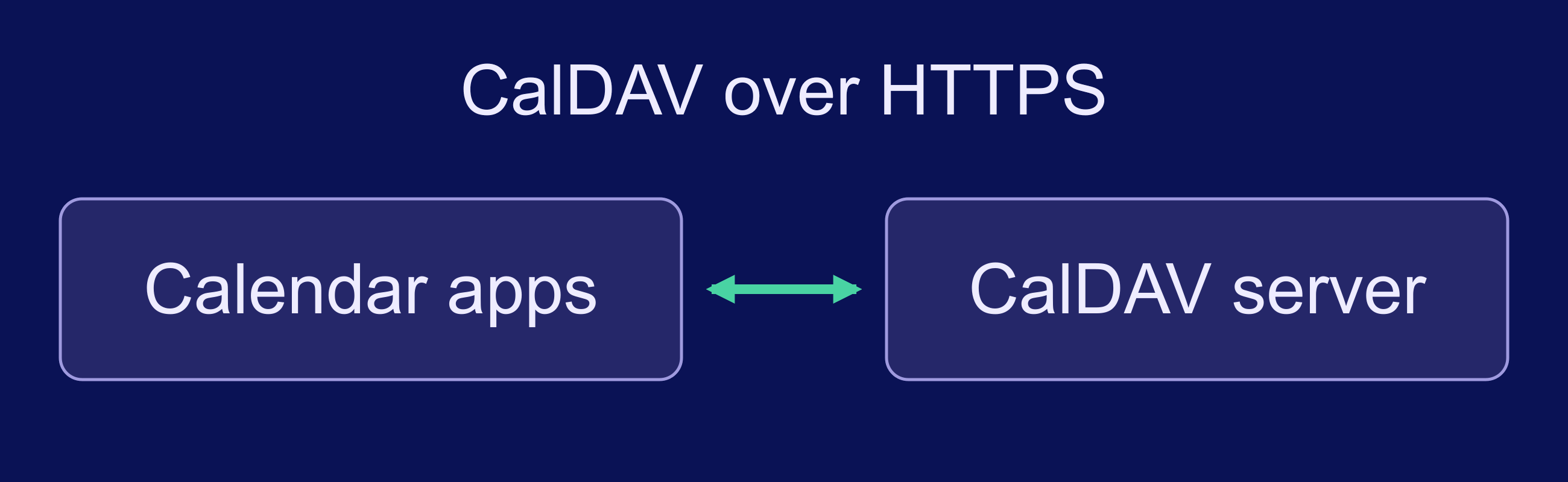
Phone and desktop calendar apps communicate with the calendar server over HTTPS. Configure authentication and sharing permissions separately; an encrypted connection does not decide who may read or edit events.
CalDAV handles calendar access; CardDAV handles contacts. An ICS download imports a copy, while a subscribed ICS feed commonly provides read-only updates. Those are different workflows from editing the same calendar across devices.
| Client / route | What to verify | Primary guidance |
|---|---|---|
| Apple Calendar | CalDAV account URL, HTTPS and shared calendars | Nextcloud iOS setup |
| Android with DAVx⁵ | Selected collections, permissions and sync settings | Nextcloud Android setup |
| Thunderbird | Calendar discovery and app-password requirements | Nextcloud Thunderbird setup |
These links document connection methods, not tests performed for this article. Before migrating, create a recurring event, edit one occurrence, invite another account, change a timezone and delete a test event. Confirm the result on every intended client. Also check what happens after a device reconnects from offline use.
Installation and Ongoing Maintenance
Compare the services you will operate rather than promising a setup time. A Python service, a PHP application with a database and a groupware deployment have different update and recovery paths. Containers can package dependencies, but persistent storage, credentials, backups and upgrades still need attention. Our Docker VPS hosting guide explains the surrounding container concepts.
Before launch, document the installed version, public hostname, database or collection location, backup destination and restore procedure. Schedule updates and certificate-renewal checks. Keep a rollback plan for upgrades, and confirm that reminders or invitations still work afterward. Someone should own these tasks even when the calendar serves only a family.
Sizing and Testing Your Calendar Server

Size the whole deployment: operating system, web service, database, background jobs, calendar history and other installed apps. Concurrent synchronization and large recurring-event collections can matter more than the number of accounts alone.
Nextcloud illustrates why units matter. Its system requirements give memory guidance per process, not for an entire VPS.
| Nextcloud guidance | RAM per process |
|---|---|
| Minimum | 128 MB |
| Recommended minimum | 512 MB |
Source: Nextcloud system requirements, checked 27 October 2026. These are publisher requirements, not measured consumption or total-server sizing. Additional processes, the database and other services need their own allowance.
Start with a representative test calendar and the clients you actually use. Observe memory, storage growth, errors and synchronization behavior during imports and normal edits. Increase resources or adjust configuration when those observations identify a constraint. An arbitrary requests-per-second target would not establish whether invitations, recurrence or permissions work correctly.
Choose by Workflow, Then Test
Shortlist Radicale or Baïkal for a focused sync service, Nextcloud for a browser calendar within a broader workspace, and SOGo for integrated groupware. Consider DAViCal for shared CalDAV storage and WebCalendar for browser scheduling. These are workflow recommendations, not fixed user-capacity limits.
Pilot one candidate with a separate calendar before moving your primary schedule. Keep the original export, verify sharing and client behavior, and complete a restore test. If scheduling is one part of a wider productivity setup, our self-hosted Trello alternatives guide covers the project-board side.
Frequently Asked Questions
Which self-hosted calendar should I try first?
Does self-hosting make my calendar end-to-end encrypted?
Can I sync with both Android and iPhone?
Is an ICS export enough for recovery?
How much RAM does a calendar server need?