
AI chatbots are no longer experimental tools used on the side of real systems. In many organizations, they are becoming part of daily workflows, handling internal questions, summarizing documentation, assisting developers, or filtering customer requests. Cloud-based AI services make this easy to start, but they also introduce long-term constraints around data ownership, pricing models, and dependency on external providers. Self hosted AI chatbots exist because some teams reach a point where convenience is no longer the most important factor, and control becomes the deciding one, especially as self hosted AI chatbots move from experiments into production systems.
Self hosting is not about rejecting the cloud or chasing novelty, and self hosting AI is primarily about aligning infrastructure choices with risk tolerance and operational reality. It is about matching infrastructure to risk tolerance, compliance requirements, and predictable usage patterns. When chatbots begin to process internal knowledge or sensitive data, sending every prompt to a third party can become a liability rather than a benefit.
What “Self-Hosted AI Chatbot” Actually Means
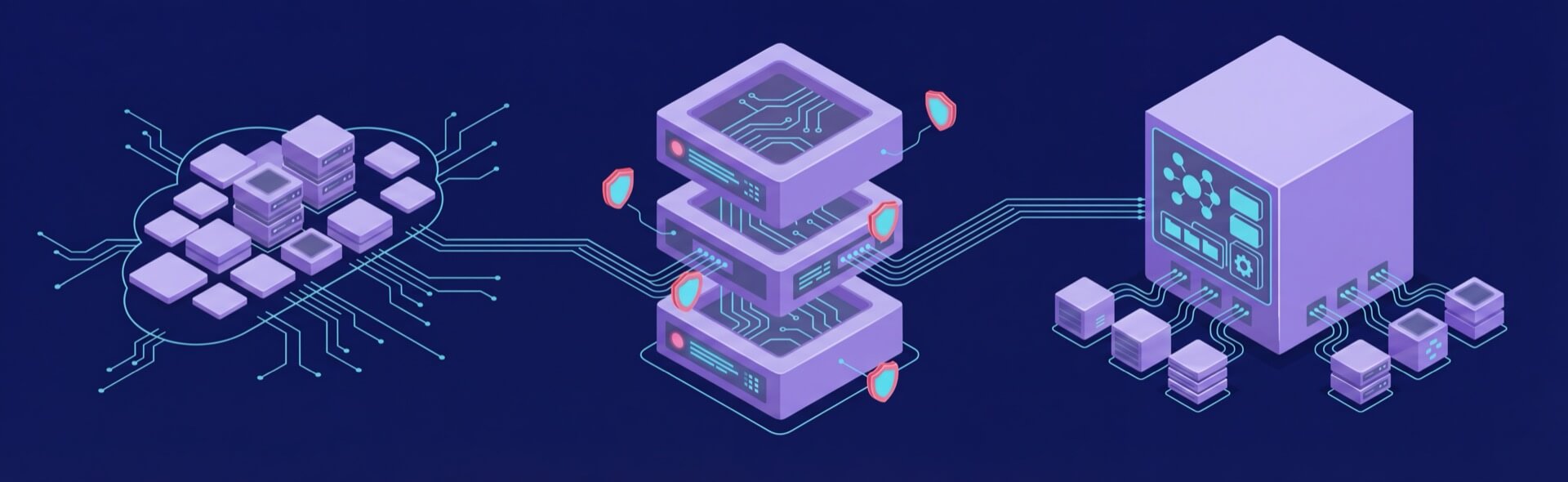
The term “self hosted” is often used loosely, which creates confusion and unrealistic expectations. Many tools advertise self hosting while still relying on external APIs for inference, effectively outsourcing the most sensitive part of the system. A genuinely self hosted AI chatbot runs the model, inference engine, and supporting services entirely on infrastructure you control, which is the defining characteristic of serious self hosted AI chatbots.
This does not necessarily mean running everything on a local machine. In practice, most production deployments use VPS, dedicated servers, or private cloud environments. The defining factor is not physical location, but ownership of execution, data flow, and access policies.
Use Cases That Actually Justify Self-Hosting

Self hosting only makes sense when it solves a real problem. These are the scenarios where teams consistently see value from running their own chatbot stack.
Internal knowledge base assistant
When a chatbot is augmented with internal documentation, it often has access to proprietary processes, credentials, or architectural details.Keeping that data within your own infrastructure reduces the risk of accidental leakage and simplifies compliance discussions. It also allows deeper indexing and customization without worrying about external data handling policies.
Regulated industries
Organizations operating under strict regulatory frameworks cannot always send user input or documents to third-party services. Self hosting allows teams to define exactly how data is stored, logged, and retained, when paired with proper security controls and governance. This level of control is often necessary to pass audits or meet legal requirements.
Custom workflows
Many real-world chatbot deployments are tightly integrated with internal tools, ticketing systems, or custom APIs. Cloud-based solutions can be limiting when logic needs to be deeply customized or chained with internal automation. Self hosting removes those constraints and allows the chatbot to become a first-class system component.
Edge or limited-connectivity environments
Some deployments operate in locations with unreliable or restricted internet access. A self hosted chatbot can continue functioning even when external connectivity is degraded or unavailable. This is especially relevant for industrial, on-site, or field environments.
Predictable high-volume usage
Cloud AI pricing often scales linearly with usage, which can become expensive for systems with steady traffic. Self hosting shifts costs toward infrastructure rather than per-request billing. Over time, this can lead to lower and more predictable operational expenses.
The Core Stack of a Self-Hosted AI Chatbot

A production chatbot is not just a model responding to prompts. It is a system composed of multiple layers that must work together reliably.
- Language model: This is the core component responsible for generating responses. Open-weight models allow full local inference, which is why open source AI chatbots are viable in production, but their capabilities vary significantly by size and training quality. Choosing a model that fits the task is more important than chasing the largest possible architecture.
- Inference engine: The inference layer determines how efficiently the model runs on your hardware. Different engines optimize for CPUs, GPUs, or specific accelerators, and the choice directly affects latency and throughput. Poor inference choices can negate even the best hardware investments.
- Retrieval and vector storage: Most useful chatbots rely on retrieval-augmented generation rather than raw model knowledge. Vector databases enable semantic search across documents and structured data. This layer is critical for accuracy, especially when dealing with large or frequently updated knowledge bases.
- API and interface layer: This component exposes the chatbot to users or other systems. It handles requests, manages sessions, and often applies business logic before or after model inference. Stability and security here are just as important as model quality.
- Security controls: Authentication, authorization, and logging determine who can access the chatbot and what they can do with it. Without proper controls, even an internal chatbot can become a security risk. This layer also supports auditing and troubleshooting.
Choosing the Right Model for Self-Hosting
Model selection is one of the most consequential decisions in a self hosted setup, particularly when teams evaluate open source AI chatbots for long-term use. Bigger models are not automatically better, and mismatches can lead to wasted resources.
Open-weight availability
Self hosting requires models that allow local inference without mandatory API calls. Licensing terms matter, especially for commercial use. Teams need to ensure they are legally allowed to deploy and modify the model.
Model size vs practicality
Large models demand significant VRAM and compute, which increases cost and complexity. Many real-world tasks perform well with mid-sized models when combined with good retrieval. Over-sizing often leads to diminishing returns.
Quantization trade-offs
Quantized models reduce memory and hardware requirements, making deployment easier. While there can be a slight drop in output quality, the performance gains often outweigh the downsides. This is especially true for internal tools where perfect phrasing is less critical.
Task alignment
Different models excel at different tasks. A chatbot focused on summarization or Q&A may not need the same capabilities as a creative writing assistant. Matching the model to the actual workload improves both performance and reliability.
Hardware and Infrastructure Realities
Infrastructure planning determines whether a chatbot feels responsive or frustrating. Many failures stem from underestimating resource requirements.
CPU vs GPU inference
CPUs can handle lightweight or low-traffic systems, but they struggle with concurrent requests. GPUs dramatically reduce response times and improve throughput. For most production systems, once concurrency or latency become important, GPU-backed servers are the practical choice.
Memory requirements
RAM supports the application stack and vector database, while VRAM limits model size and concurrency. Insufficient memory leads to slowdowns, crashes, or forced model downsizing. Planning for headroom is essential.
Storage and I/O
Fast SSD storage improves document retrieval and indexing speed. Slow disks can bottleneck the entire system even if compute resources are sufficient. Storage performance is often overlooked but critical.
Scalability considerations
As usage grows, single-server setups may no longer be enough. Load balancing, replication, and horizontal scaling add complexity but allow systems to grow without full redesigns. These decisions should be anticipated early.
Security, Privacy, and Operational Responsibility
Self hosting shifts responsibility from vendors to internal teams. This control is powerful, but it requires discipline.
- Data isolation: All prompts, responses, and documents remain within your environment. This simplifies privacy guarantees but requires careful handling to avoid internal misuse. Clear policies and technical safeguards are necessary.
- Access management: Not all users should have the same level of access. Role-based controls help prevent data exposure and misuse. This is particularly important when chatbots interface with internal systems.
- System maintenance: Models, operating systems, and dependencies evolve quickly. Without regular updates, vulnerabilities accumulate. Maintenance should be treated as an ongoing operational task, not a one-time setup step.
- Monitoring and backups: Observability ensures issues are detected before users notice them. Backups protect against data loss and configuration errors. Together, they form the backbone of a reliable deployment.
Self-Hosted vs Cloud AI: A Practical Comparison
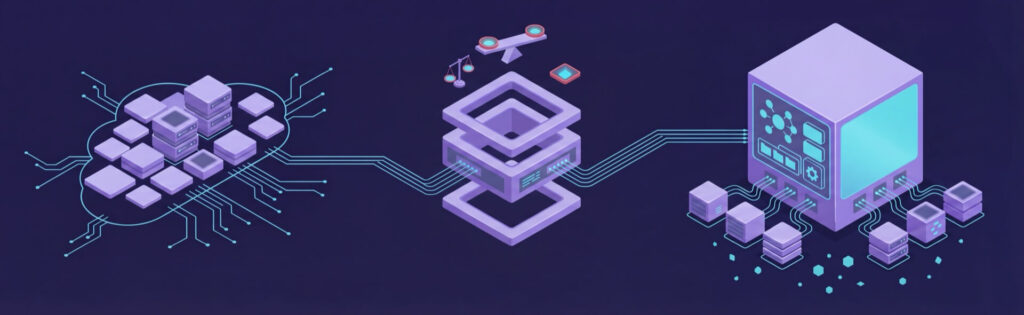
Choosing between self hosted and cloud AI is not about ideology, and self hosting AI should be treated as a pragmatic infrastructure decision rather than a philosophical one. It is about aligning trade-offs with priorities.
- Control and customization: Self hosting allows full control over behavior, data flow, and integrations. This flexibility is unmatched but requires more effort to manage. Cloud solutions abstract these details at the cost of customization.
- Operational simplicity: Cloud services minimize setup and maintenance effort. For small teams or early-stage projects, this simplicity can outweigh other concerns. Self hosting demands operational maturity.
- Cost predictability: Cloud pricing can fluctuate with usage, sometimes unexpectedly. Self hosted systems have clearer cost ceilings tied to infrastructure. This predictability is valuable for budgeting.
- Performance tuning: Local deployments allow fine-grained optimization for specific workloads. Cloud platforms optimize for general use cases. Specialized needs often benefit from self hosting.
When Self-Hosting Is the Wrong Choice
Self hosting is not a default recommendation. Teams without infrastructure experience may struggle with reliability and security. If the highest possible model quality is required immediately, cloud APIs often deliver better results. For low-volume or experimental projects, the overhead of self hosting rarely pays off.
Conclusion
A self hosted AI chatbot is an infrastructure strategy, not a technological statement, and self hosted AI chatbots should be evaluated the same way as any other core system. It makes sense when control, privacy, and cost stability matter more than rapid experimentation. Many teams succeed by starting in the cloud and transitioning once requirements are clear. When chosen for the right reasons, self hosting becomes a stable foundation rather than an unnecessary burden.
Self hosted AI chatbot infrastructure with VPS.us
At VPS.us, we provide infrastructure designed for teams that want full control over their systems without unnecessary complexity. Our KVM-based virtual private servers offer dedicated resources, predictable performance, and full root access, making them a solid foundation for running self hosted AI chatbots where data ownership and operational stability matter.
For internal assistants, knowledge-base chatbots, and low-to-moderate traffic AI inference workloads, we recommend the VPS.us KVM2-US plan, which includes 2 vCPU cores, 2 GB of RAM, and 25 GB of SSD storage. This configuration is well suited for running smaller open-weight models, retrieval-augmented generation pipelines, and vector databases on a single, controlled server, giving you a practical starting point for self hosting AI without overcommitting infrastructure.ms.

