
PHP is one of the most widely used server-side scripting languages powering millions of websites, web apps, and backend services. But PHP development isn’t just about writing code—it’s also about where and how you run that code. The server environment you choose affects everything from code compatibility and performance to debugging and deployment.
Whether you’re a beginner learning the ropes, a seasoned developer building APIs, or a team deploying full-stack PHP applications, selecting the right server is crucial. This guide breaks down your options—from local setups to scalable VPS—and helps you choose the best server for PHP development.
Short answer: code locally with a stack such as Laragon, XAMPP or MAMP, and test on a VPS that matches production: Nginx with PHP-FPM (or Apache with PHP-FPM), MariaDB or MySQL, and a supported PHP version — 8.3, 8.4 or 8.5 today. A VPS with 2 vCPU and 2 GB RAM is enough for a LEMP staging server; shared hosting only suits simple sites because you cannot change PHP settings or extensions freely.
What to Look for in a PHP Development Server
Before you choose a server, you need to know what matters for PHP development. This isn’t just about specs—it’s about flexibility, ease of use, and whether the environment mirrors production.
PHP Version Compatibility
Not all apps run on the latest PHP version. You might need PHP 7.4 for legacy apps (end-of-life since November 2022, so no security fixes) while new projects should start on 8.4 or 8.5; 8.2 stops receiving security fixes on 31 December 2026. A good server lets you switch or run multiple versions in parallel for testing and compatibility. Current support dates from php.net:
| PHP version | Active support until | Security fixes until |
|---|---|---|
| 8.5 | 31 Dec 2027 | 31 Dec 2029 |
| 8.4 | 31 Dec 2026 | 31 Dec 2028 |
| 8.3 | Ended 31 Dec 2025 | 31 Dec 2027 |
| 8.2 | Ended 31 Dec 2024 | 31 Dec 2026 |
Web Server Support
Apache is versatile and can be paired with mod_php or PHP-FPM, though the latter is more efficient and modern. Nginx, combined with PHP-FPM, is faster and more resource-friendly for high-concurrency apps. Your server should support both or allow easy switching.
Database Support
PHP apps often rely on MySQL, MariaDB (a drop-in MySQL replacement), or PostgreSQL. Having access to the right engine and PHP extensions is essential.
Operating System
Linux-based servers (Ubuntu, Debian, AlmaLinux or Rocky Linux; CentOS Linux has reached end of life) offer more developer-friendly tools and better PHP package support. Windows can be used, but is more restrictive and less commonly used for PHP.
Local vs. Remote
Are you coding solo on your laptop or deploying collaborative apps? Local servers are quick to spin up; remote servers are better for staging and production-like testing.
Performance
Even in dev environments, slow performance can stall your workflow. Look for NVMe or SSD storage, at least 2 GB RAM, and a multi-core CPU.
Developer Tools
Debuggers like Xdebug, Composer for dependencies, and log access are vital. You’ll also want SSH, Git support, and possibly Docker or virtualization support.
Scalability
If your dev server also serves as staging, you’ll want it to scale easily—either vertically (more RAM/CPU) or horizontally (multi-instance).
Evaluating these factors will bring you much closer to choosing the best server for PHP development based on your specific workflow.
Types of Servers for PHP Development
You have three main options when setting up your development server: local servers, cloud/VPS servers, and shared hosting environments. Each comes with trade-offs depending on your workflow and goals. Understanding the pros and cons of each environment is key to selecting the best server for PHP development, whether you’re working solo or deploying with a team.
Local Development Servers
A local server lets you develop on your own machine without needing internet or hosting. It’s fast, cheap, and easy to set up for personal or early-stage projects.
Some popular stacks:
- XAMPP: Cross-platform with Apache, MariaDB, PHP, and Perl. Beginner-friendly, though it sometimes lags behind on version updates.
- MAMP: Great for macOS and Windows, especially the Pro version which allows PHP version switching and Nginx support.
- Laragon: Fast and modular on Windows. Supports a range of tools like PostgreSQL, Redis, and Node.js out of the box.
| Pros | Cons |
|---|---|
| Quick setup | Limited realism compared to live servers |
| No hosting costs | Environment mismatches may cause deployment bugs |
| Instant feedback | No simulation of network latency or production load |
Cloud VPS and Dedicated Servers
Virtual Private Servers (VPS) and dedicated servers offer full control and realism. You get root access, can install any software, and replicate production conditions closely.
- Great for testing full frameworks like Laravel, Symfony, or CodeIgniter
- Supports Nginx, Apache, Redis, PHP-FPM, Supervisor, and more
- Ideal for staging environments or CI/CD integration
Platforms like VPSus, DigitalOcean, and Linode offer fast SSD or NVMe storage, OS templates, and flexible billing.
| Pros | Cons |
|---|---|
| Production-like environment | Higher cost |
| Root-level control | Requires more configuration and maintenance |
| SSH, Git, and Docker support | Security updates are your job |
These platforms give you the freedom to build a tailored PHP developer server that mirrors production conditions exactly.
Shared Hosting for Beginners
Shared hosting is popular with beginners due to low cost and simplicity. Most plans support PHP out of the box and include a control panel like cPanel, along with one-click installers.
However, these environments restrict your ability to change PHP settings, use custom extensions, or test complex setups.
| Pros | Cons |
|---|---|
| Affordable | Limited flexibility |
| Easy to start with | Not suitable for advanced or custom apps |
| No server management | May not mirror your production environment |
Best Server Software for PHP
The choice of web server software plays a direct role in determining what makes the best server for PHP development, especially in terms of speed, compatibility, and scalability. The web server you choose affects how PHP is executed and how your app performs under load.
- Apache: Long-time standard. Compatible with .htaccess, mod_rewrite, and can run with either mod_php or PHP-FPM. Stable and widely supported.
- Nginx: Lightweight and fast, especially for static files and concurrent traffic. Uses PHP-FPM and excels in performance tuning.
- LiteSpeed: A commercial web server that’s Apache-compatible but faster. Ideal for busy PHP websites and shared hosts.
- Caddy: Known for simplicity and automatic HTTPS. Still emerging in PHP workflows but gaining ground for small apps and APIs.
For small or legacy apps, Apache is often enough. For modern high-performance APIs, Nginx or LiteSpeed is a better fit. We compare them in detail in Apache vs Nginx and the best web server software.
Recommended Server Providers for PHP Development
When choosing a provider, look for flexibility, performance, and developer-focused features.
VPSus
Raw, fast, and customizable. Our KVM VPS gives you full root access, NVMe storage and the freedom to build your own PHP environment with no unnecessary add-ons, from $10 a month. Ideal for devs who want real control.
DigitalOcean
Simple, fast, and scalable. With one-click PHP stack deployment, SSD droplets, and strong documentation, it’s a great VPS choice for devs who want control without complexity.
Linode (Akamai Cloud)
Stable and reliable VPS with root access, DDoS protection, and clean pricing. Linode, now sold as Akamai Cloud, also has a rich library of dev tutorials, making it ideal for self-managed environments.
SiteGround
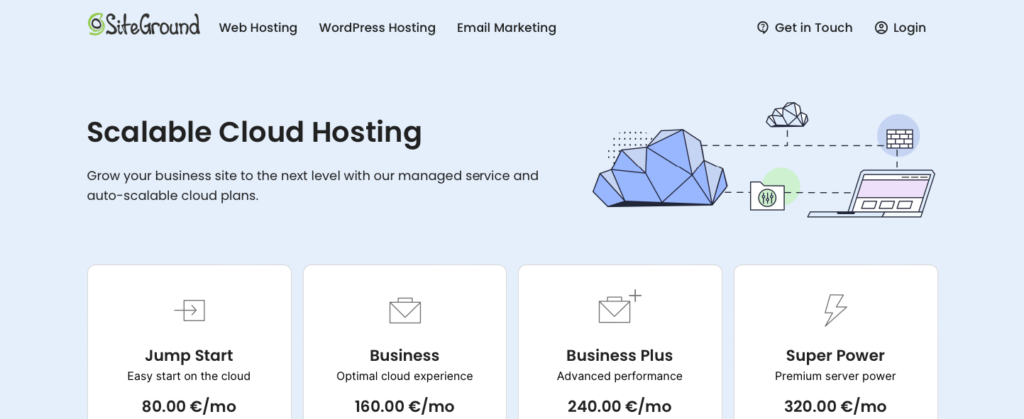
Beginner-friendly managed hosting with strong PHP support, staging tools, and Git integration. Offers shared and cloud options, making it good for lightweight or growing apps.
hosting.com (formerly A2 Hosting)
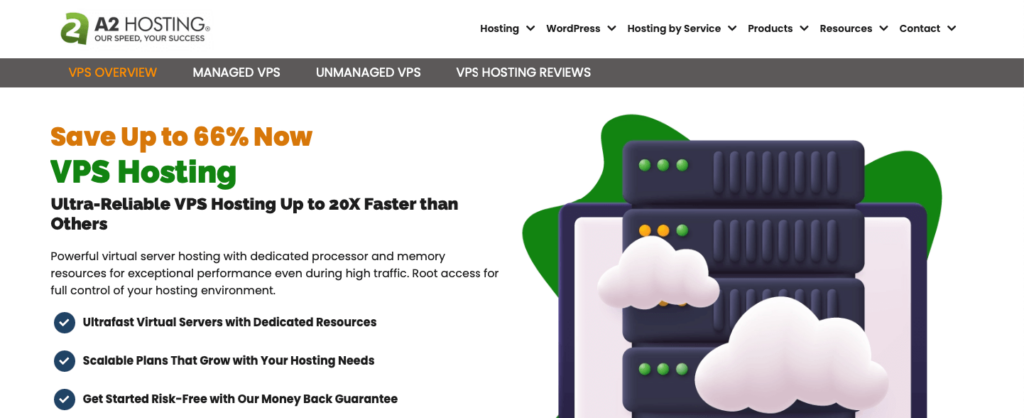
A2 Hosting now operates as hosting.com. Performance-focused: every VPS plan comes with Turbo (NVMe storage and LiteSpeed). Multiple PHP versions, preinstalled dev tools, and staging environments make it a good hybrid between shared and semi-managed VPS.
Each of these options can serve as the foundation for the best server for PHP development, depending on how much control and customization you require.
Setting Up a PHP Server: Quick Overview
If you’re setting up a dev environment on a VPS, here’s a quick walkthrough.
This approach ensures your PHP developer server is configured with the exact stack and behavior your projects require.
- Install Apache or Nginx
- Install PHP and modules (e.g. php-mysql, php-cli, php-curl)
- Install MySQL or MariaDB
- Configure virtual hosts (Apache) or server blocks (Nginx)
- Set up PHP-FPM (especially with Nginx)
- Enable SSL (Let’s Encrypt with Certbot)
- Harden the server (firewall, SSH config, disable root login)
Automate with Docker Compose, Ansible, or scripts if managing multiple environments. Our LAMP stack guide walks through the Apache variant step by step.
Local vs. Remote Development: Which is Better?
Each method has strengths. Most developers use both depending on project stage.
Local Development
Local environments run on your own machine, with no external dependencies. Great for speed and convenience during early development or learning.
- Fast feedback loops and immediate testing
- Ideal for experimenting with frameworks
- No server costs
- Offline-friendly
However, local setups may not reflect the exact environment of your production server, leading to unexpected issues during deployment.
Remote Development
Remote environments better match production. They support collaboration and allow testing under realistic server conditions.
- Mirrors live performance and configurations
- Accessible to team members
- Ideal for CI/CD and Git-based workflows
- Catches production-specific bugs early
The downside is extra setup and maintenance. Still, for teams or serious apps, remote dev is essential.
Conclusion
The best PHP development server depends on your needs. For simple apps or personal projects, local stacks like XAMPP or Laragon are perfect. For real-world testing, collaboration, or staging, VPS solutions give you unmatched control and flexibility.
Pick the environment that matches your stack, workflow, and long-term goals.
Last verified November 2026: PHP support dates on php.net, provider names and features on their own sites, VPSus plans on vps.us/kvm-vps.
Frequently Asked Questions
What servers run PHP?
What PHP stack should I choose for a high-throughput API with MariaDB?
Which hosting options are optimized for PHP sites?