
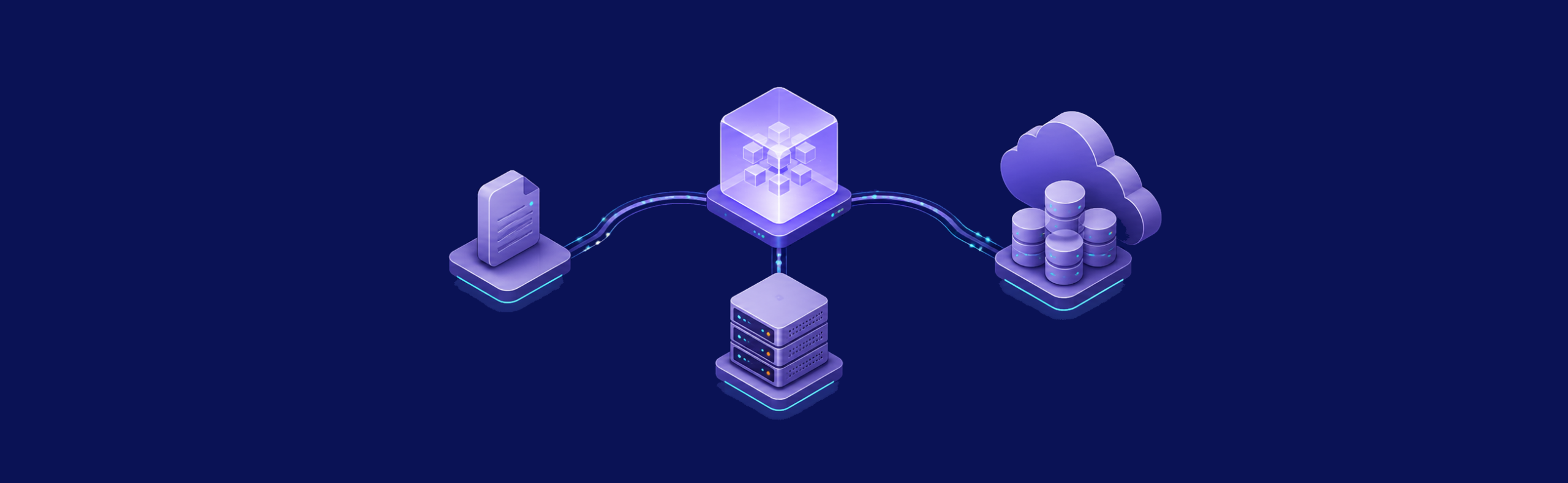
Choosing between SQLite, PostgreSQL, and a serverless database is an architecture decision, not a benchmark contest. Start with the shape of your application: where it runs, how many processes write data, how much operational work you can own, and what happens when the database is unavailable. On a VPS, SQLite and PostgreSQL keep the data path under your control. A serverless database moves more of that responsibility to a provider.
The practical question is which trade-offs match your project today without blocking the next stage of growth. Measure with your real schema and traffic, test backup and restore before launch, and keep a migration path. A larger server cannot repair an unsuitable concurrency model, while a managed service cannot remove every operational decision.
Understand the Three Database Architectures
The options solve different problems. SQLite is an embedded library and file format. PostgreSQL is a client-server database you operate as a service. “Serverless database” is a product category covering several architectures, so its scaling, availability, compatibility, and billing rules must be checked provider by provider.
SQLite: data embedded with the application
SQLite runs in the application process and stores the database in a file such as app.db. That removes a network hop and keeps deployment simple. It is often a strong fit for one application on one VPS, internal tools, prototypes, content sites, and read-heavy services. The SQLite project’s usage guidance distinguishes this local-storage role from the shared-data role of a client-server database.
SQLite permits many simultaneous readers but only one writer at a time. That limitation is about concurrent writes, not whether SQLite is “production ready.” Short, well-managed transactions can work well, while write-heavy jobs or several application servers may create contention. In write-ahead logging mode, readers can continue while a writer appends to the WAL, although there is still only one writer at a time. Keep the database on a local filesystem supported by SQLite rather than treating a network share as interchangeable with local storage.

PostgreSQL: a shared database service
PostgreSQL runs as a separate server process. Your web application, workers, scheduled jobs, and reporting tools connect to it through a stable database interface. This model is usually the safer starting point when you expect multiple writers, several application instances, complex transactions, or a broad extension ecosystem.
On one VPS, the application and PostgreSQL can communicate locally while remaining separate services. As the system grows, you can move PostgreSQL to a dedicated host or introduce replicas without rewriting the application around an embedded file. That flexibility comes with responsibility for configuration, access control, monitoring, upgrades, backups, and recovery. The VPS.us guide to choosing a development server provides related infrastructure context.
Serverless databases: provider-managed, but not all alike
A serverless database is accessed over the network and delegates parts of provisioning, patching, scaling, replication, or recovery to a provider. Some products expose PostgreSQL-compatible interfaces; others use different data models or consistency guarantees. Some separate compute from storage, while others hide both behind an API. Do not assume that one product’s behavior applies to the category.
Elastic scaling and scale-to-zero are optional, provider-specific features. For example, Neon documents scale-to-zero for its own compute endpoints; that is one explicit product example, not a promise about every serverless database. Check wake-up behavior, connection handling, regional availability, backup retention, egress, quotas, and pricing against the provider’s current documentation before committing.
Compare Performance and Scalability With Your Workload
Generic latency, IOPS, or query-per-second tables are rarely useful for this decision. Results change with the schema, indexes, query mix, transaction length, cache state, database settings, storage path, and network location. A local SQLite query avoids a client-server round trip, but a long write transaction can block another writer. PostgreSQL accepts concurrent clients, but poor indexes or unbounded connections can still exhaust a VPS. A remote managed service may add a network hop while offering capacity that is difficult to build yourself.
Build a representative test with a copy of the schema and non-sensitive sample data. Include reads, writes, migrations, background jobs, and failure recovery—not only a warm read benchmark. Observe CPU, memory, disk latency, database locks, connection counts, and slow queries under the same test conditions. The VPS.us server optimization guide explains the broader host-level measurements to review.
Scale only after you identify the limiting resource. SQLite usually scales with the application host and may be partitioned into separate databases when the domain allows it. PostgreSQL commonly scales vertically first, then through connection pooling, query tuning, partitioning, or replicas as the workload requires. A serverless product follows its provider’s scaling controls and limits; automatic scaling does not make inefficient queries or poor data models harmless.
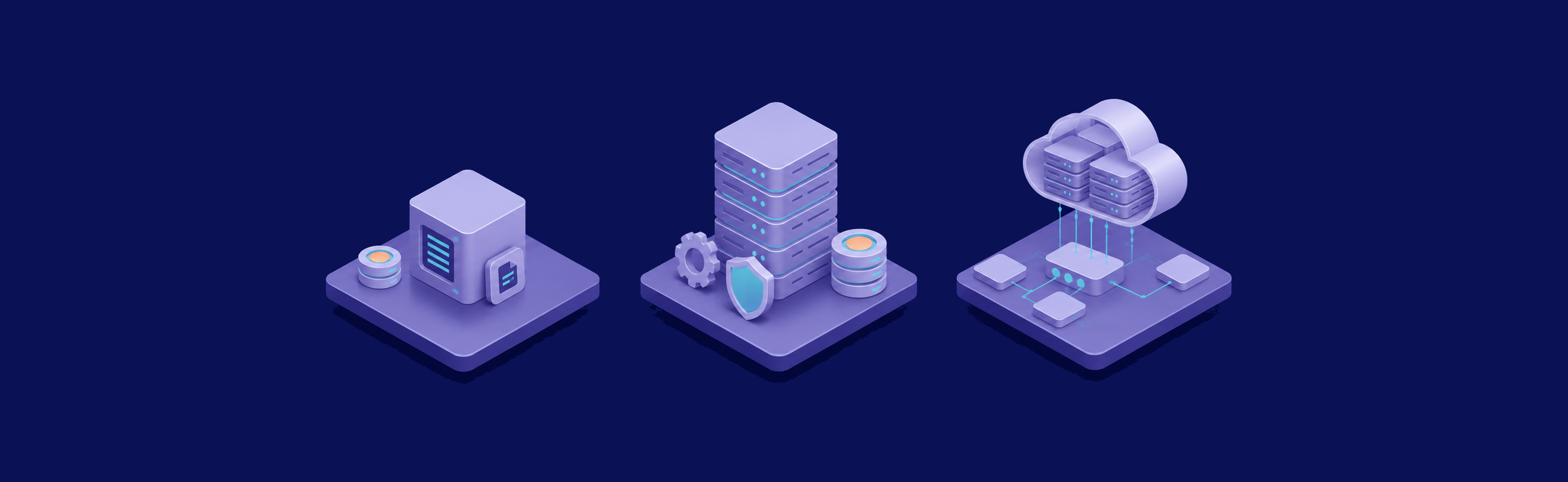
Compare Cost and Operational Control
Cost follows the resource model. A VPS gives you a fixed pool of compute, memory, storage, and network capacity for the plan period. SQLite can share that pool with the application, while PostgreSQL needs its own memory, background processes, and storage headroom. That makes the infrastructure bill easier to anticipate, but you still own administration time, off-server backups, monitoring, and any additional capacity.
VPS-hosted databases use a fixed capacity budget
Do not equate a fixed bill with unlimited database work. Queries still compete with the application for CPU, memory, and disk. Size from measured demand, leave headroom for maintenance and traffic changes, and separate services when contention justifies it. A cloud vs VPS comparison can help frame the wider infrastructure trade-off.
SQLite can minimize moving parts for a small application. PostgreSQL can consolidate data for several components while providing stronger concurrency and administration tools. In both cases, the predictable plan price should be evaluated together with engineering time and the impact of a recovery event.
Managed and serverless billing varies by provider
Serverless pricing is not universally request-based, and it is not universally cheaper or more expensive. Providers may meter compute time, active capacity, storage, operations, backups, data transfer, or a combination of them. Minimum charges, included allowances, idle behavior, and regional pricing can change the result. Model the bill from the exact product’s current pricing page and your observed workload, then add a margin for growth and unusual jobs.
Also price the exit path. Data export, compatibility differences, proprietary extensions, and downtime during migration can matter more than the first month’s bill. A managed service may still be the right choice when reducing on-call and maintenance work is worth more than direct infrastructure control.
Plan Maintenance, Backups, and Recovery
A database choice is incomplete until you can restore it. Define who monitors the system, where backups are stored, how long they are retained, and how recovery is tested. A provider dashboard showing “backup enabled” is not the same as a successful restore exercise.
SQLite: protect a consistent database file
A raw file copy is safe only when you know the database is in a consistent state and account for any journal or WAL files. For online systems, use a supported approach such as the .backup command or the SQLite Online Backup API. Store copies away from the VPS, verify them, and rehearse restoring the application with the recovered file.
SQLite does not provide PostgreSQL-style streaming replication or a built-in automatic failover service. If the application requires several active writers across hosts or a tightly automated failover design, reconsider the architecture instead of layering fragile file synchronization around the database.

PostgreSQL: operate the whole lifecycle
PostgreSQL supports several backup strategies, and the right one depends on the recovery requirement. Its official backup and restore documentation covers SQL dumps, filesystem-level backups, and continuous archiving. A snapshot alone may not provide the recovery behavior you expect, so document how application data, WAL, credentials, and configuration are restored together.
Autovacuum is enabled by default in a standard PostgreSQL configuration, but it still needs monitoring. Table churn, long-running transactions, storage pressure, and workload-specific settings can prevent routine maintenance from keeping up. The PostgreSQL guide to routine vacuuming explains why vacuum and analyze remain part of normal operation.
PostgreSQL also supports standby servers and streaming replication, but replication is not a substitute for backups. The official standby documentation describes log shipping and streaming behavior. A replicated mistake or deletion can reach the standby, so retain independent recovery copies and test promotion and client reconnection before claiming high availability.
Serverless: verify the provider’s responsibility boundary
Managed operation reduces tasks, but it does not remove ownership. Confirm who controls retention, point-in-time recovery, encryption keys, maintenance windows, failover, regional placement, and incident communication. Test export and restore with the permissions available to your account. If a feature exists only on a higher plan or in selected regions, treat that constraint as part of the architecture.
Use a Qualitative Decision Table
A decision table should reveal constraints, not disguise them as a score. Use the following as a starting point, then replace each general statement with evidence from your application and the specific provider or VPS configuration.
| Criterion | SQLite on a VPS | PostgreSQL on a VPS | Serverless database |
|---|---|---|---|
| Application topology | One application close to a local database file | Several processes or services sharing a database server | Applications connecting to a remote managed endpoint |
| Write concurrency | One writer at a time; readers can coexist with a writer in WAL mode | Designed for concurrent clients and transactions | Depends on the engine, product tier, and provider limits |
| Scaling path | Scale the host or separate data by a natural application boundary | Tune and scale vertically, then add pooling, partitioning, or replicas when justified | Use the provider’s supported scaling controls and quotas |
| Cost model | Shares the VPS capacity and administration budget | Consumes dedicated host resources and administration time | Product-specific metering, allowances, and minimums |
| Operational ownership | Application team owns file safety, backups, and restores | Team owns database administration, monitoring, upgrades, and recovery | Provider owns selected platform tasks; customer retains data and configuration duties |
| Best initial fit | Lean single-app systems with manageable write contention | Shared production data, concurrent writes, and advanced SQL requirements | Workloads that benefit from a specific managed capability or elastic model |

Choose SQLite when its simple deployment and single-writer model match the application. Choose PostgreSQL when concurrency, shared access, extensions, and a controlled growth path matter enough to justify operations. Choose a serverless database when a named provider’s managed features, regions, compatibility, and billing model fit better than operating the database yourself.
For a small application on one VPS, SQLite can be a deliberate production choice rather than a temporary toy. PostgreSQL is the flexible default when the database must serve several clients or support sustained concurrent writes. Serverless is not one uniform third option: evaluate the exact service and its responsibility boundary.
Whichever path you choose, validate it with the real schema, workload, backup process, and failure plan. Keep the decision reversible by documenting exports, migrations, and the conditions that would trigger a change.
Frequently Asked Questions
Does SQLite WAL mode allow multiple writers?
Is SQLite suitable for a production application on a VPS?
When should I choose PostgreSQL instead?
Do all serverless databases scale to zero?
Is a serverless database always cheaper than a database on a VPS?

