

n8n is free to download and use under an open-source MIT license, but running it in production comes with costs. You can either self-host it on a VPS or use the managed n8n Cloud service. Each option has its own pricing structure, technical requirements, and scalability considerations. Here’s the quick breakdown:
- n8n Cloud: Starts at $20/month for 2,500 executions. Costs rise with workflow usage, potentially exceeding $100–$200/month for teams with heavy automation needs. It’s easy to set up and maintain but can become expensive as usage scales.
- Self-Hosting (VPS): Costs range from $7–$80/month depending on server specs. Offers predictable pricing regardless of execution volume but requires technical skills for setup and maintenance.
Key Takeaway: Choose n8n Cloud for simplicity and minimal upkeep, or self-host for lower costs and full control over infrastructure. Both options require budgeting for external API fees (e.g., OpenAI, Twilio) in addition to their base costs.
n8n Cloud (Managed Service)
n8n Cloud is the official hosted version of n8n, where the company takes care of all the technical heavy lifting. You simply sign up, start creating workflows, and let n8n handle everything else – servers, databases, security updates, and backups. It’s designed for quick onboarding, with accounts activated almost instantly.
This option is perfect for teams without DevOps expertise or anyone looking to avoid the hassle of managing server infrastructure. However, the convenience comes at a cost, and that cost increases with your usage.
Pricing
n8n Cloud’s pricing is based on workflow executions – every time a workflow runs, it counts as one execution. For individuals, plans start at $20/month. Teams or production environments usually require plans starting at $50/month, with costs rising as execution volumes grow.
For instance, a workflow that checks email every five minutes runs about 8,640 times per month. Since the starter plan caps executions at 2,500, you’d need to upgrade immediately, which pushes your monthly cost beyond the base price.
As your automation needs expand, so do your expenses. A team running multiple workflows with frequent triggers could easily see their monthly bill climb to $100–$200 or more. For businesses with high automation demands, n8n Cloud can become a pricey solution.
Operational Costs
Your subscription to n8n Cloud includes all standard operational costs, making budgeting predictable. Security patches, backups, and infrastructure monitoring are all part of the package, so there are no surprise charges on that front.
However, you’ll still need to budget for external API fees. If your workflows rely on third-party services like OpenAI, Twilio, or SendGrid, those services will bill you separately. For instance, sending 10,000 emails via SendGrid or making 5,000 OpenAI API calls could add significant extra costs. In some cases, these external fees might even exceed your n8n subscription, especially for workflows that rely heavily on AI or other premium APIs.
Scalability
One of the perks of n8n Cloud is its ability to scale automatically within the limits of your plan. As your workflows increase in execution volume, the system adjusts without requiring you to provision servers or manage load balancers. n8n takes care of all that behind the scenes.
That said, each plan has a cap on workflow executions. If you hit your limit during a usage spike – say, during a marketing campaign – you’ll need to upgrade your plan. There’s no option to temporarily exceed your plan’s limits during these peaks. While your workflows won’t stop running, the extra usage will reflect in a higher bill.
Collaboration is another strong point. You can easily add team members, share workflows, and manage permissions without extra setup. This makes n8n Cloud a great choice for teams working on shared automation projects, eliminating the need for complicated access control configurations.
Maintenance Effort
With n8n Cloud, all maintenance is handled by the n8n team. They take care of security patches, database backups, and infrastructure monitoring, allowing your team to focus entirely on building workflows.
For teams without dedicated DevOps resources, this is a huge advantage. You don’t have to worry about setting up SSL certificates, managing firewalls, or ensuring server uptime. It’s all taken care of for you.
However, this convenience comes with some limitations. You won’t have control over the underlying infrastructure, so you can’t tweak database performance settings or implement custom security measures. While this setup works for most use cases, it might feel restrictive if your team has unique or advanced requirements.
The trade-off here is clear: you save time and effort by letting n8n handle the technical details, but you’ll pay more for the service and sacrifice some control. For many teams, this balance makes sense, especially when time is a more critical resource than the cost difference between managed and self-hosted options.
Self-Hosted n8n (VPS)
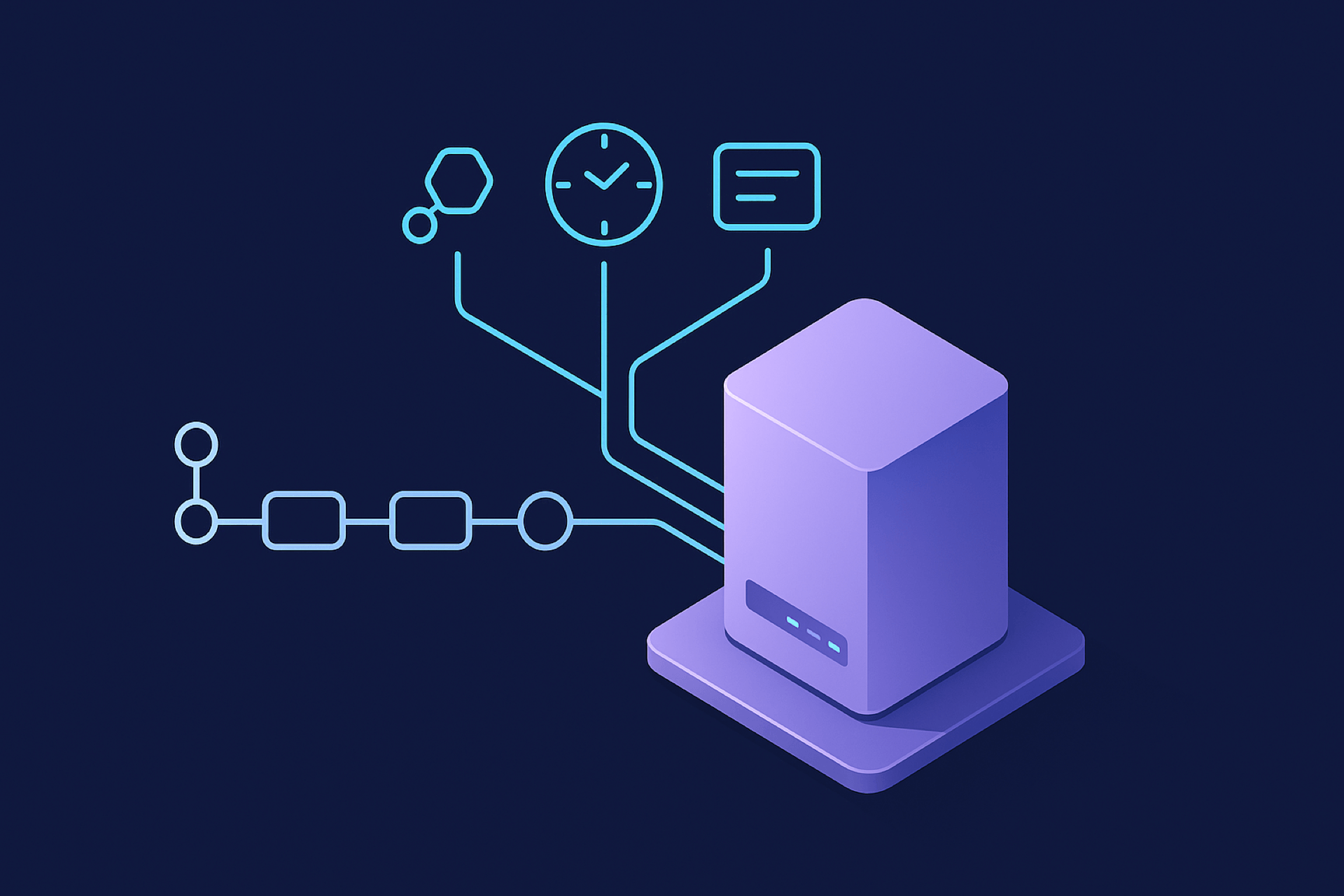
Self-hosting n8n on a virtual private server (VPS) gives you complete control over your setup while keeping costs predictable. Unlike the managed n8n Cloud service, this option requires you to handle the installation, database configuration, security updates, and overall maintenance yourself. It’s a great choice for those with technical know-how who want to avoid usage-based subscription fees. With a flat monthly VPS fee, your expenses remain steady regardless of how many workflows you run. Let’s break down the costs and what’s involved.
🚀 Launch Your First n8n Automation in Under 5 Minutes
Your quick start checklist
Pricing
The main expense for self-hosting n8n is the VPS rental fee. For individuals or small teams running basic workflows, a server with 1 vCore CPU, 1 GB RAM, and 20 GB NVMe storage usually costs around $7–$12/month. This setup is ideal for lightweight automation and SQLite-based databases.
If your needs grow, you’ll require more powerful resources. A startup running multiple concurrent workflows might go for a VPS with 2–4 vCores, 2–4 GB RAM, and 25–40 GB NVMe storage, which typically costs $20–$40/month. For production environments handling higher concurrency and using queue mode with separate worker processes, a more robust configuration – like 8 vCores, 8 GB RAM, and 80 GB storage – can cost $80/month or more.
One of the biggest advantages of self-hosting is that your VPS cost doesn’t increase with the number of workflows you run. Whether you execute 100 workflows or 100,000 in a month, the cost remains the same. This makes it a cost-efficient option for high-volume automation.
However, the VPS fee is only part of the picture. There are additional operational costs to factor in.
Operational Costs
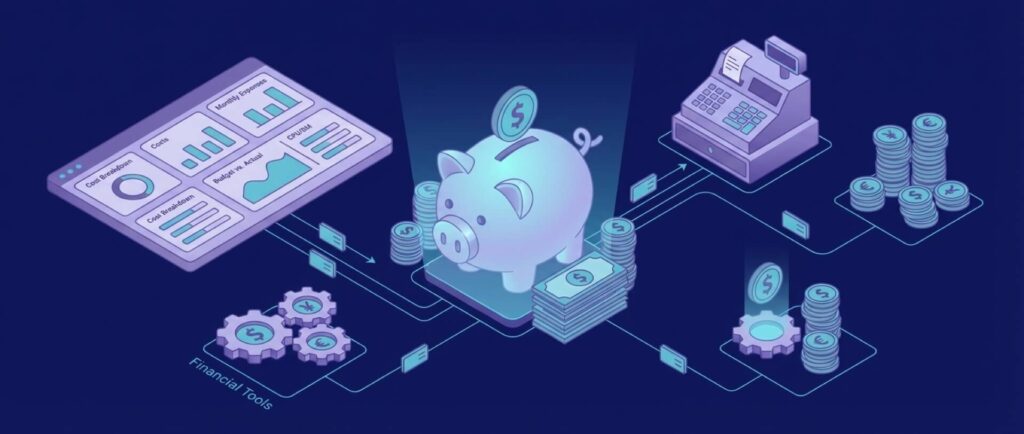
Beyond the VPS rental, you might need to invest in a few extras:
- Database Upgrades: While SQLite works for simpler setups, teams often switch to PostgreSQL for better performance and scalability. You can run PostgreSQL on the same VPS to save money or use a managed service for features like automated backups and performance optimization.
- Storage Expansion: As workflow logs accumulate, you may need to increase your VPS storage or add an external storage solution.
- Monitoring Tools: Free monitoring tools might suffice for smaller setups, but larger teams may benefit from managed monitoring services to ensure smooth operations.
These additional components can increase your monthly costs, so it’s important to plan for them as your automation grows.
Scalability

Self-hosting n8n offers flexibility to scale your setup based on demand. You can scale vertically by upgrading to a server with more CPU, RAM, or storage. This is usually straightforward with most VPS providers. For even higher workloads, horizontal scaling – adding more VPS instances or dedicated nodes – becomes an option. For example, you might deploy a Redis server for queue management to handle larger volumes of workflows.
Geographic scalability is another benefit. With many VPS providers offering data centers worldwide, you can deploy n8n instances closer to your users. This reduces latency for webhooks and API calls, which can be crucial for time-sensitive workflows.
Maintenance Effort

While self-hosting gives you control, it also comes with the responsibility of managing your infrastructure. Key maintenance tasks include:
- Security Updates: Regularly updating n8n and your operating system to protect against vulnerabilities.
- SSL Certificates: If your instance is accessible online (e.g., for webhooks), you’ll need to configure HTTPS. Tools like Let’s Encrypt can simplify this process.
- Database Management: Routine backups and performance tuning for PostgreSQL are essential for smooth operation.
- Troubleshooting: Any issues with workflows or server performance will need to be resolved manually.
The time required for maintenance depends on your technical expertise. Teams with strong DevOps skills might only spend a few hours a month on upkeep, while less experienced users may need more time, especially during the initial setup.
Self-hosting n8n is a solid option for those seeking predictable costs and full control over their automation infrastructure. It’s particularly appealing for high-volume use cases or teams comfortable managing their own servers.
Advantages and Disadvantages
When deciding between n8n Cloud and self-hosting on a VPS, it’s all about weighing convenience against control. Each option comes with its own set of trade-offs that impact your budget, technical workload, and overall flexibility.
n8n Cloud is designed for simplicity. You sign up, and within minutes, you’re ready to start building workflows – no server setup, database configuration, or security concerns to worry about. Everything, from backups to updates, is handled automatically. However, this convenience comes with a price. Costs increase as your workflow executions grow, and you’re locked into n8n’s pricing structure. This means higher volumes can lead to unpredictable bills, especially if your workflows spike unexpectedly.
The downside of n8n Cloud is that scaling costs can catch you off guard. A sudden increase in workflow activity could significantly inflate your monthly bill. Additionally, you’re tied to n8n’s infrastructure and pricing decisions, leaving you with limited options if their plans change.
Self-hosting on a VPS, on the other hand, offers a different kind of flexibility. Your costs remain consistent regardless of how many workflows you run. Whether it’s 1,000 or 100,000 workflows per month, your VPS fee stays between $7 and $80 per month. This makes it a cost-effective choice for high-volume automation. Plus, you have full control over your environment, from database setup to server security.
But self-hosting isn’t for everyone. It requires technical expertise. You’ll need to install and configure tools like Node.js, PostgreSQL or SQLite, and SSL certificates, as well as set up backups. For teams without DevOps resources, this can quickly become a time sink, with several hours per month spent on maintenance. If managing servers isn’t your strong suit, you might find yourself spending more time on infrastructure than on workflows.
Here’s a direct comparison to help clarify the differences:
| Factor | n8n Cloud | Self-Hosted VPS |
|---|---|---|
| Setup Time | Instant – no configuration needed | 1–3 hours for initial setup, depending on experience |
| Monthly Cost (Low Volume) | $20/month for 2,500 executions | $7–$12/month (unlimited executions) |
| Monthly Cost (High Volume) | $800+/month for 40,000+ executions | $40–$80/month (unlimited executions) |
| Technical Skills Required | None | Linux administration, database management, security |
| Maintenance Effort | Zero – fully automatic | 2–5 hours/month for updates, backups, monitoring |
| Scalability | Automatic, but costs increase | Manual, but costs remain flat |
| Data Control | Hosted by n8n | Full control on your infrastructure |
| Hidden Costs | Overage fees if you exceed plan limits | Database upgrades, storage expansion, monitoring tools |
| Backup Management | Automatic, included | Manual setup required |
| SSL Certificates | Included | Free with Let’s Encrypt, but requires configuration |
Self-hosting also gives you geographic flexibility. If your workflows rely on webhooks or APIs in specific regions, hosting your VPS close to those endpoints can reduce latency. For example, deploying a server in Frankfurt or Amsterdam can significantly speed up European operations. With n8n Cloud, you’re limited to their data center locations.
On the flip side, n8n Cloud ensures reliable infrastructure without any effort on your part. They handle uptime, failover, and provide professional support. If a server issue arises in the middle of the night, it’s their responsibility – not yours. With self-hosting, you’re on the hook for troubleshooting and maintaining uptime.
Hidden costs vary between the two. n8n Cloud users might face overage fees if they exceed their plan limits. For self-hosting, expenses like database upgrades, additional storage, and monitoring tools add up, but they’re predictable.
For long-term growth, self-hosting often proves more economical. For instance, a startup handling 5,000 workflows per month could comfortably use n8n Cloud’s $50/month Pro Plan. But if that volume grows to 50,000 workflows, they’d need custom Enterprise pricing, potentially exceeding $1,000/month. In contrast, a self-hosted setup might only require upgrading from a $20/month VPS to a $40/month one – a much smaller increase.
Ultimately, the right choice depends on what matters most to you. If you value ease of use and minimal maintenance, n8n Cloud is hard to beat. But if cost savings and control are your priorities, self-hosting on a VPS is the better option. Teams with technical expertise and high workflow volumes will likely lean toward self-hosting, while smaller teams or non-technical users may find the simplicity of n8n Cloud worth the extra cost.
This comparison lays the groundwork for a closer look at real-world cost scenarios.
Conclusion
Deciding between n8n Cloud and self-hosting comes down to your technical skills, workflow demands, and budget.
If you’re a solo user or part of a small team, n8n Cloud is a great choice. It removes the hassle of setting up servers, making it easy to build workflows, especially when your execution volume is moderate. On the other hand, technical teams might lean toward self-hosting. A low-cost VPS can handle thousands of executions, keeping costs manageable despite the added responsibility of maintenance.
For industries with strict compliance needs – like healthcare requiring HIPAA compliance or financial services adhering to SOC 2 certification – self-hosting often becomes a necessity. It provides full control over data storage, encryption, and access logs, which is crucial for meeting regulatory standards.
A practical approach could be starting with n8n Cloud to test your strategy. As your workflow volume grows, transitioning to self-hosting might make more sense. Geographic hosting can also help reduce latency and meet compliance needs in specific regions.

