
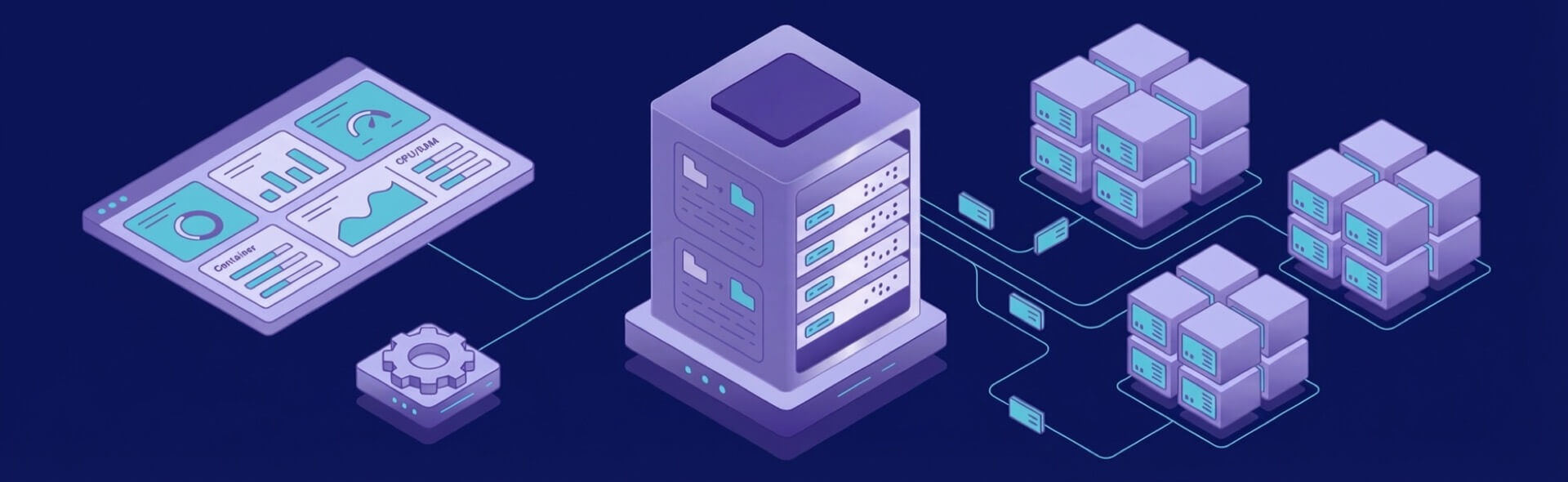
Finding the best self-hosted tools for developers in 2026 means balancing flexibility, control, and the infrastructure to support them. Whether you’re managing version control, collaborating on projects, or running your own deployment pipeline, open-source self-hosted solutions offer the autonomy that traditional SaaS can’t match. This guide explores 13 proven self-hosted tools developers trust—plus emerging categories like AI and deployment platforms that transform how indie teams ship code.
What AI Tools for Developers Do
AI tools automate a large part of the development process by understanding code patterns, responding to natural-language instructions, and generating outputs that developers can refine. They reduce the time spent on manual work and help keep projects moving consistently. AI tools for web development support predictable development cycles by speeding up repetitive front-end and backend work that teams often refine across multiple iterations. By offering suggestions and insights, they support developers at different experience levels and make complex tasks feel more manageable.
Types of AI Tools Developers Use Today
Developers commonly rely on several categories of AI tools in their daily work.
- Code generation assistants: These tools create code based on prompts or partial inputs, helping developers avoid repetitive typing. They offer structured solutions that can be refined to match the project style. They also assist when working with new frameworks or patterns. This approach is similar to how teams use AI tools for game development, where automated suggestions and asset-related support can speed up early prototyping and iteration.
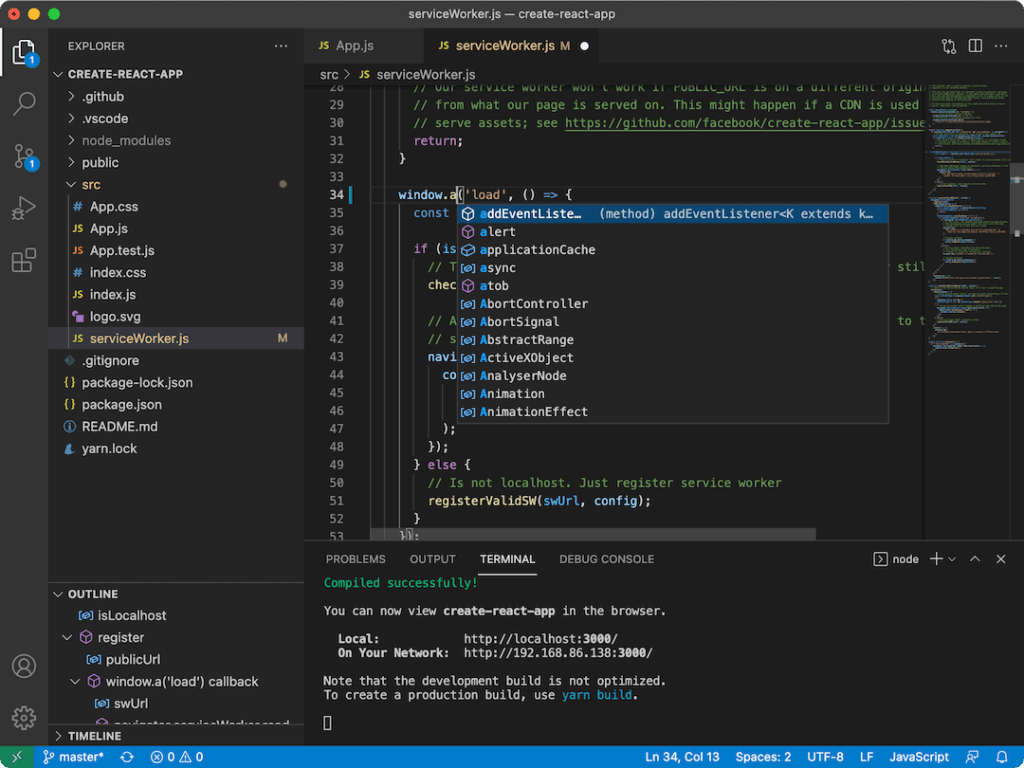
- AI-powered IDE plugins: These plugins provide context-aware completions, refactoring hints, and improvement suggestions inside the editor. They reduce the need to search for external references by surfacing guidance directly during coding. They help maintain consistent structure across files.
- AI debugging tools: These tools highlight errors, suggest fixes, and help explain unusual behavior in the application. They save time by pointing developers toward the source of a problem quickly. They make debugging more approachable in large codebases.
- AI test generation tools: These systems create test cases automatically, improving coverage and reducing manual test-writing time. They help catch edge cases developers may overlook. They also keep test suites more complete as the application evolves.
- AI documentation helpers: These tools generate comments and documentation based on existing logic. They make it easier to keep documentation aligned with code changes. They also help new contributors understand modules more quickly.
- AI tools for DevOps: These tools assist with pipeline automation, deployment tasks, and performance monitoring. They reduce manual effort in maintaining stable delivery processes. They help teams detect operational issues earlier.
- AI tools for database optimization: These tools examine queries and schemas to suggest performance improvements. They help prevent inefficiencies as the database grows. They also reduce the risk of bottlenecks reaching production.
- AI tools for API development: These systems assist with endpoint creation, schema validation, and client or server stubs. They simplify communication between services by keeping definitions consistent. They also reduce manual formatting work.
- AI tools for cloud and infrastructure: These tools automate provisioning and scaling decisions to keep environments efficient. They help maintain stability by identifying configuration gaps early. They also support predictable resource usage.
Benefits of Using AI Tools in Development
AI tools bring several practical benefits that directly influence how teams ship and maintain software.
Efficiency gains
Automating repetitive work increases development speed and reduces fatigue. Developers can spend more time on meaningful features instead of boilerplate. Productivity improves across the entire team.
Improved code quality
AI highlights inconsistencies and suggests cleaner patterns, helping teams maintain standards. These tools encourage better structure in large codebases. Developers can spot potential issues earlier. With AI tools for developers, teams can identify these issues more consistently across large and evolving codebases.
Easier onboarding
New developers understand the project faster thanks to explanations and structured suggestions. This shortens the time before they can contribute. It also reduces dependency on constant guidance from senior team members.
Reduced bugs
Automated analysis catches issues early, decreasing the chance of defects making it into production. Developers can identify errors that would be easy to miss manually. This improves long-term stability.
Better team productivity
Offloading routine tasks leaves more time for architecture and problem-solving. Teams become more focused on the core challenges of the project. This leads to more consistent delivery.
Challenges and Limitations of AI Tools
Despite their strengths, AI tools also introduce important risks and constraints.
- Accuracy issues: AI may produce incorrect or incomplete code that requires review. Developers must validate all suggestions carefully. Relying on unreviewed output can introduce subtle bugs.
- Security risks: Some tools process data externally, which poses risks for proprietary code. Teams must understand how their information is handled. Minimizing exposure helps maintain security.
- Over-reliance: Developers may lean too heavily on automation and lose familiarity with the underlying logic. This slows personal skill growth over time. Balanced usage is necessary.
- Licensing concerns: Generated code may involve restrictions teams need to understand. Misunderstanding these rules can create future legal issues. Clarity is important before adopting a tool.
- Limited context: AI does not always understand the entire structure of a large system. Suggestions may be locally correct but globally unsuitable. Developers must evaluate fit within the broader project.
How to Choose the Right AI Tools
When selecting AI tools for your stack, it helps to evaluate a few critical factors.
Language and framework support
The tool should work well with your primary technologies to avoid compatibility issues. Better support means more useful suggestions. This improves adoption.
Workflow integration
Smooth integration makes tools easier to use throughout daily tasks. Developers benefit from features that appear where they are needed. This reduces friction.
Security and privacy requirements
Teams must ensure that tools do not expose sensitive code. Understanding data handling is essential. This protects the organization.
Pricing and scalability
The investment must match the team’s size and expected usage patterns. Predictable costs help with planning. Scalable pricing supports growth.
Ease of adoption
Tools should be intuitive enough for developers to use without slowing production. Clear interfaces increase confidence. This supports long-term usage.
Best AI Tools for Developers (By Category)
From coding to operations, AI tools can be grouped into several functional categories. Many of these categories represent the best AI tools for developers because they target the tasks that typically slow teams down the most.
- Code assistants: These tools help write and improve code quickly by offering structured suggestions. They support consistent style across files. They also reduce time spent on repetitive logic.
- Debugging and testing tools: These systems identify issues and improve test coverage with minimal manual work. They help developers understand difficult failures more quickly. They encourage stronger validation practices.
- Documentation tools: These helpers generate clear explanations and keep documentation aligned with code changes. They reduce the burden of manual writing. They help teams stay organized.
- DevOps platforms: These tools automate delivery pipelines and monitor system behavior. They assist with detecting performance issues. They contribute to smoother release cycles.
- Database tools: These tools recommend structural and query improvements for better performance. They help manage growing data more efficiently. They reduce risk of system slowdowns.
- API and integration tools: These systems standardize endpoint definitions and reduce formatting errors. They simplify building communication layers between services. They keep schemas consistent over time.
- Cloud and infrastructure tools: These solutions help automate resource allocation and prevent misconfiguration. They support stable deployments. They reduce manual environment management.
- Collaboration tools: These platforms help teams coordinate tasks and generate summaries or plans. They reduce time spent organizing information. They help maintain clarity across the team.
How AI Tools Fit into the Development Workflow
AI tools integrate naturally into modern workflows by supporting planning, coding, testing, and deployment stages. They generate early drafts of specifications and code, allowing teams to move faster through initial phases. This early-stage acceleration is especially useful with AI tools for web development, where teams often iterate quickly on front-end and backend components. They help identify bugs, create tests, and maintain documentation with less manual effort. During deployment, they assist with configuration and monitoring tasks that keep environments healthy. When used across all stages, they make the development lifecycle more consistent and efficient.
Self-Hosted AI Tools for Developers
The shift toward local AI is accelerating. Instead of relying on cloud APIs, developers increasingly run inference on their own servers. These self-hosted AI tools eliminate vendor lock-in and keep your data private.
Ollama
Ollama is the fastest way to run large language models locally. Pull pre-configured models (Llama 2, Mistral, Neural Chat), run them on CPU or GPU, and integrate via simple REST APIs. Perfect for developers building AI features without cloud dependencies. Lightweight enough for 4GB RAM systems.
LocalAI
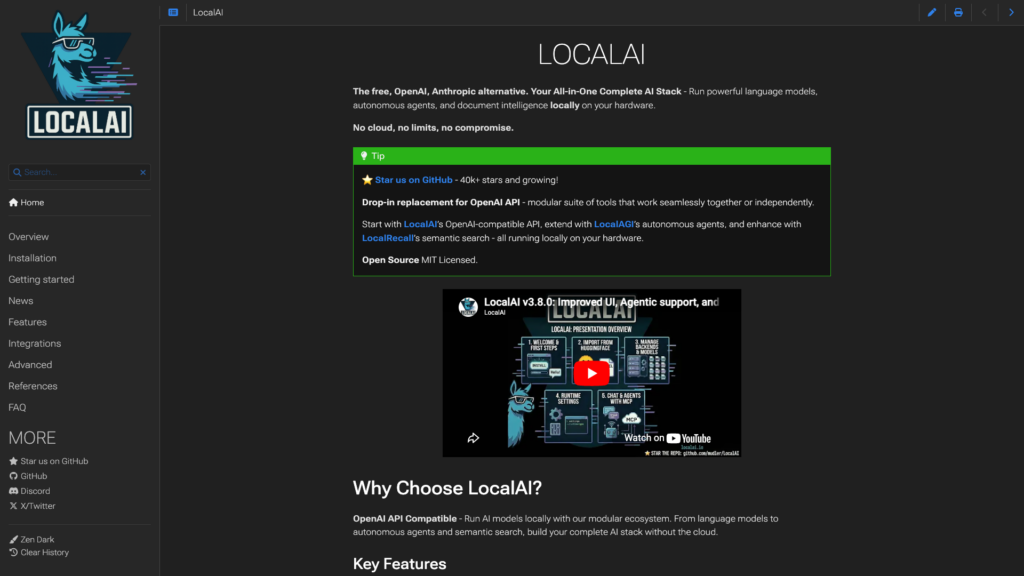
LocalAI is a drop-in replacement for OpenAI’s API, running 100% local. Supports text generation, image creation (Stable Diffusion), audio, and embeddings. Deploy as a Docker container, integrate with existing tools, and keep inference costs at zero.
text-generation-webui
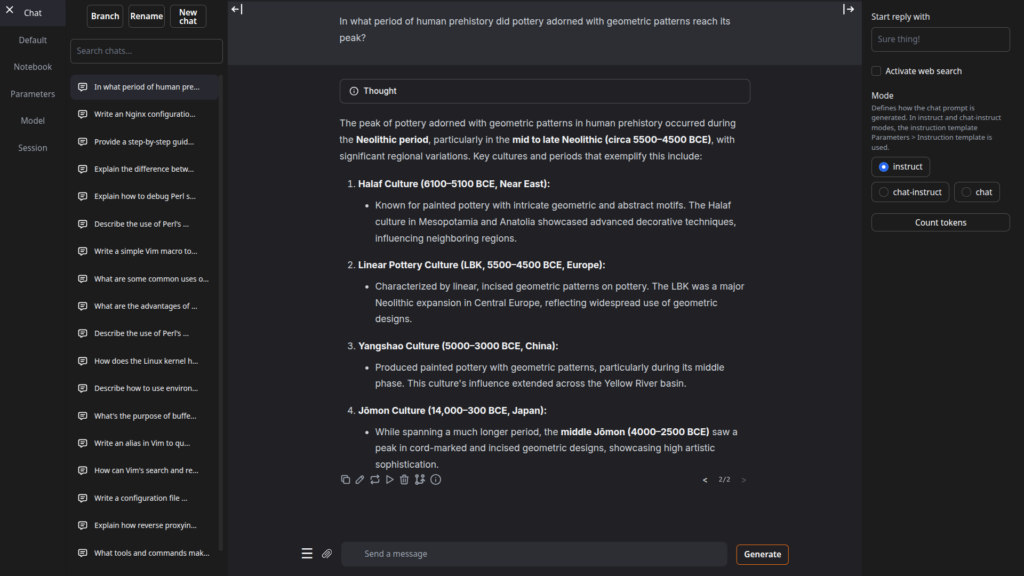
text-generation-webui provides a rich interface for running open-source LLMs with GPU acceleration. Ideal for experimentation, fine-tuning, and building custom AI workflows without touching the command line.
Self-Hosted Deployment Platforms
Modern self-hosting requires modern deployment. These platforms handle containerization, orchestration, and app lifecycle management so you can deploy like Heroku on your own infrastructure.
Coolify
Coolify is an open-source deployment platform that mirrors Vercel and Heroku’s simplicity. Connect your Git repository, define build steps, and deploy Docker containers with automatic SSL, environment variables, and rollback support. One-command installation via Docker.
Dokploy
Dokploy simplifies multi-app deployments across multiple VPS instances. Define applications, databases, and services in YAML, then deploy with a single command. Built-in monitoring and easy scaling across distributed infrastructure.
CapRover
CapRover is a lightweight Platform-as-a-Service for your own servers. Deploy from Git, manage multiple apps, automatically provision SSL certificates, and handle load balancing—all through a clean web dashboard. Requires minimal server overhead.
VPS Requirements for Self-Hosting
Choosing the right VPS starts with understanding each tool’s resource footprint. Use this quick reference to match tools to your infrastructure:
| Tool Category | Min RAM | Min Disk | Docker? |
|---|---|---|---|
| Ollama (CPU inference) | 4GB | 20GB | Yes |
| Coolify | 2GB | 10GB | Yes |
| CapRover | 1GB | 10GB | Yes |
| Git Server (Gitea/Forgejo) | 512MB | 5GB | Yes |
| Email Server (Mailcow) | 2GB | 30GB | Yes |
| LocalAI (GPU recommended) | 6GB | 50GB+ | Yes |
Security Considerations
Because AI tools often interact with code and data, security should always be part of the conversation.
- Data handling: Teams must ensure that tools process code in controlled environments. Protecting sensitive data reduces exposure risks. Good policies make adoption safer.
- Model behavior: AI suggestions should always be reviewed for accuracy and safety. Unchecked output can introduce vulnerabilities. Human oversight is necessary.
- Access controls: Limiting who can use AI tools helps protect internal systems. Assigning proper permissions keeps development secure. This prevents misuse.
- Internal guidelines: Clear team rules improve consistency in how AI suggestions are evaluated. These guidelines reduce mistakes and set expectations. They help maintain quality.
AI Tools and Developer Productivity
AI improves productivity by shortening repetitive tasks and helping teams maintain rhythm through large projects. Developers can focus more on problem-solving instead of mechanical work. Tools that assist with testing, documentation, and debugging save significant time as the codebase grows. Productivity gains appear strongest when teams review outputs carefully and avoid over-reliance. This balance creates a healthier long-term workflow.
Future of AI in Software Development
AI is on track to become more context-aware and capable of understanding entire project architectures. Future tools may support large-scale refactoring and help plan structural improvements. These advancements will also influence AI tools for game development by helping studios manage complex systems and optimize performance-heavy components. They will likely play a greater role in managing infrastructure and analyzing system performance. As capabilities expand, developers will use AI not just to accelerate coding but also to shape long-term technical decisions. Human expertise will remain essential, but AI will take on more operational responsibilities.
Conclusion
AI tools are reshaping how development teams work by reducing repetitive tasks and improving overall efficiency. They help produce cleaner code and support developers across all experience levels. While they introduce new risks, thoughtful usage makes them a valuable part of modern engineering. Teams that combine AI assistance with strong review practices benefit the most. Selecting the best AI tools for developers helps ensure that these practices lead to consistent improvements in productivity and code quality. With careful adoption, AI becomes a reliable partner in building better software. This is particularly true for AI tools for web development, which help developers maintain speed and quality across rapidly changing project requirements.
Choose a Reliable Environment for Your Development Work
At VPS.us, we provide developers with a consistent and flexible infrastructure designed for building and deploying software. Our servers offer stable performance, full control, and customizable resources that support a wide range of workflows, including AI-assisted development, staging environments, and continuous integration systems. We focus on giving teams the reliability they need to work confidently and productively.
For a balanced and dependable option, we recommend the KVM2-US plan. It includes 2 vCPU cores, 2 GB RAM, and 25 GB NVMe storage. This plan provides enough power for small and mid-sized applications, development pipelines, and testing environments, while remaining easy to scale as your needs grow. It is a strong foundation for developers who want a stable and predictable environment for their work.
Frequently Asked Questions
What's the simplest self-hosted git server for a small team?
Can I run Ollama on a budget VPS?
How do I choose between Coolify, Dokploy, and CapRover?
Do I need a special VPS to run self-hosted tools?

